

By Ehtijad Ali
Updated: October 2026
Reading time: about 8 minutes
You send messages, take photos, make phone calls, and use websites every day. But did you know these actions can leave behind extra information about you?
This extra information is called metadata. It can show when you sent a message, who received it, or where a photo was taken. Sometimes, small details can reveal more than you expect.
In this guide, you will learn what metadata privacy means, what your phone, photos, and emails can reveal, and how to protect your information with simple steps.
What Is in This Guide?
What Is Metadata? A Simple Example
Metadata means information about another piece of information. It describes a file, photo, email, phone call, or message.
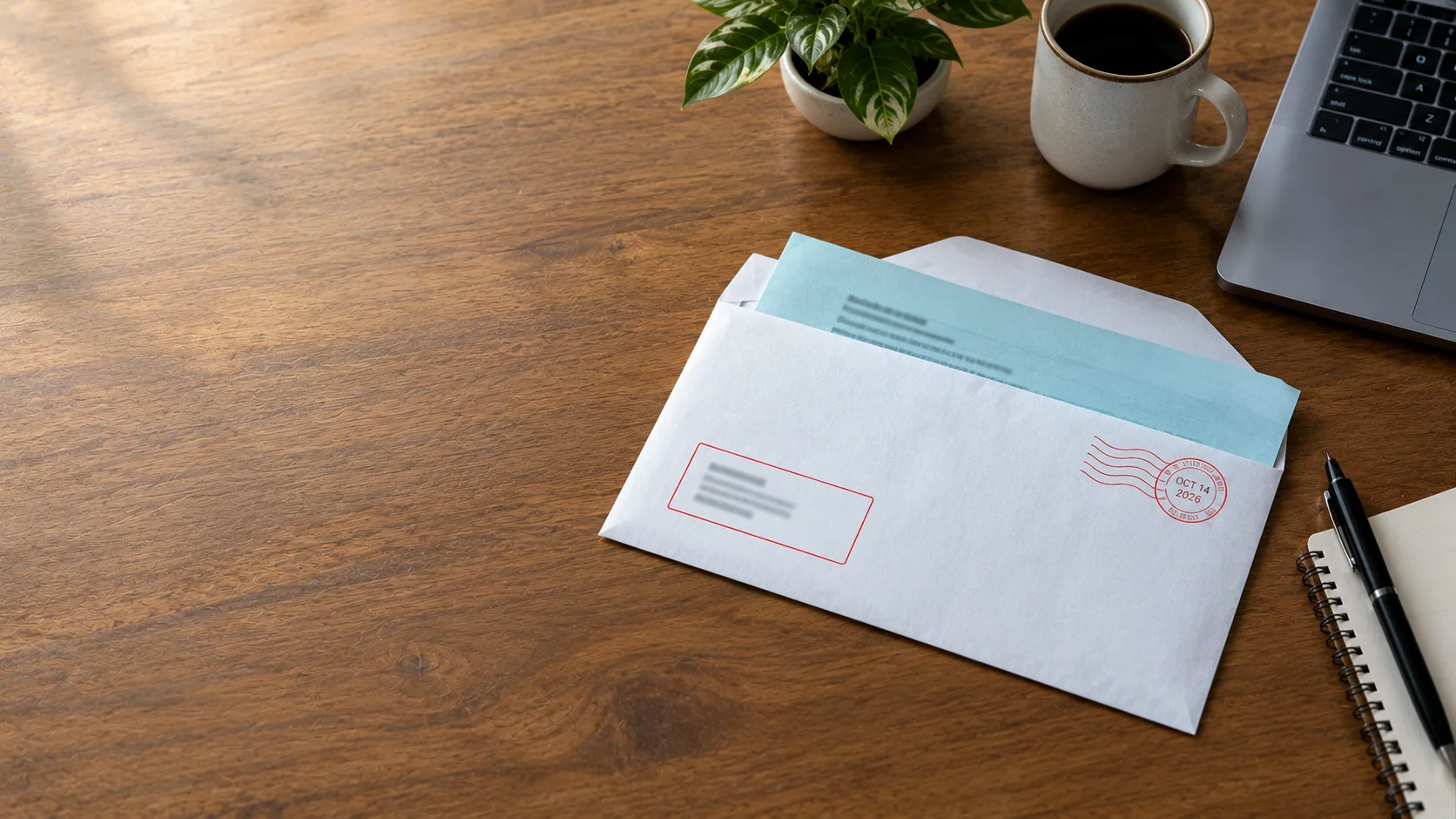
Think about sending a letter to a friend. The letter contains your message. The envelope shows the sender, receiver, and address. The postmark may also show when it was sent.
The words inside the letter are the content. The details on the envelope are similar to metadata.
Digital messages work in a similar way. An email may contain your private words, while its details show who sent it and when. A photo may show a family gathering, while its file details may include the date, camera model, or location.
Metadata is not always dangerous. It helps apps sort files, deliver messages, and manage information. The privacy concern is who can access it and what they can learn from it.
For more simple explanations, visit our dark web glossary.
Phone, Photo, and Email Metadata Explained
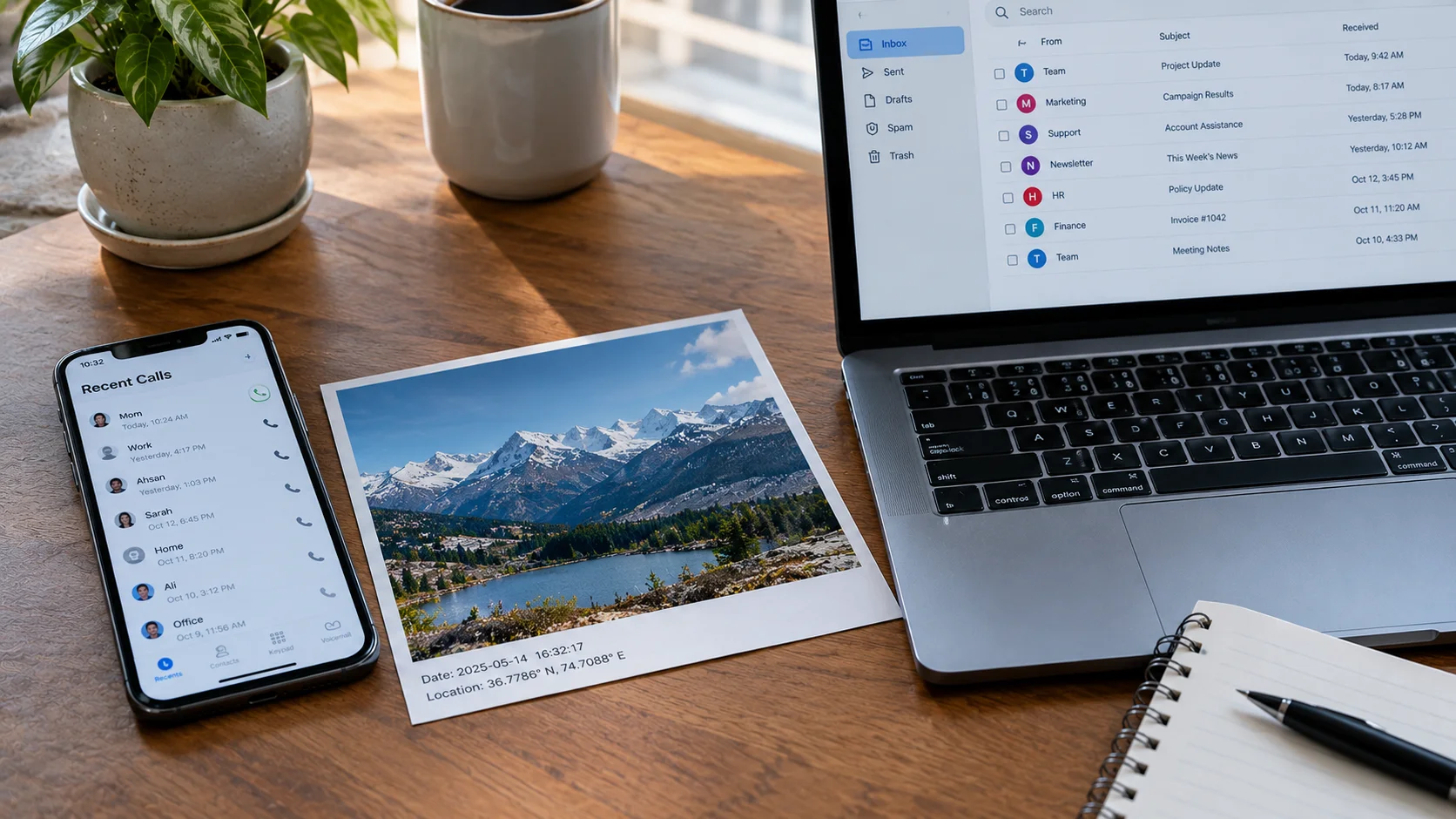
Different devices and apps collect different kinds of metadata. Here is a simple comparison.
| Type | Possible metadata | What it may reveal |
|---|---|---|
| Phone calls | Numbers, time, call length | Who you contact and when |
| Photos | Date, camera model, GPS location | When or where a picture was taken |
| Emails | Sender, receiver, time, mail servers | Who communicated and when |
1. Phone call metadata
A phone company may keep records such as the numbers involved in a call, its time, and how long it lasted. Depending on the service and network, other technical details may also be recorded.
These records do not tell the company exactly what you said. But repeated calls can show patterns, such as which people you contact often or when you usually speak to them.
2. Photo metadata
Photos can contain details known as EXIF metadata. These details may include the camera model, date, time, and GPS location if the device recorded it.
For example, a photo taken near your home might contain location details. If those details remain in the file when you share it, someone who can read them may learn where the photo was taken.
Not every photo contains GPS data, and some apps remove or change metadata when you upload an image. Learn more in our guides to finding when a photo was taken and finding where a photo was taken.
3. Email metadata
An email can include the sender, receiver, date, subject line, and technical details about the servers that handled it. Some of these details appear in the normal email view, while others are found in the full email headers.
For example, a series of emails may show when two people communicate regularly. Even without reading their messages, someone with access to these records may learn something about their contact patterns.
What Can Metadata Reveal About You?
One small detail may not tell anyone much. But several details collected over time can build a clearer picture of your life.
- Your habits: Repeated records may show when you usually make calls, send messages, or use an app.
- Your connections: Contact records may show which people or services you communicate with often.
- Your location: GPS data in a photo or location records from a service may reveal where an activity took place.
- Your daily routine: A pattern of location and time records may suggest where you spend your days.
- Your interests: Repeated contact with certain services may offer clues about your work, hobbies, or activities.
This does not mean metadata always reveals the truth. A call record cannot prove what you discussed, and a photo location does not prove that the person who took the photo lives there.
However, when different details are combined, they can reveal more than any single record. That is why metadata privacy matters.
Does Encryption Hide Metadata?
Usually, encryption protects message content, but it does not hide every piece of metadata.
Encryption changes information into a form that people cannot read without the right key. End-to-end encryption is designed so that only the people communicating can read the message content.
However, the service may still need some information to deliver messages, manage accounts, or connect devices. Depending on the app, this can include account details, delivery times, or information about who is communicating.
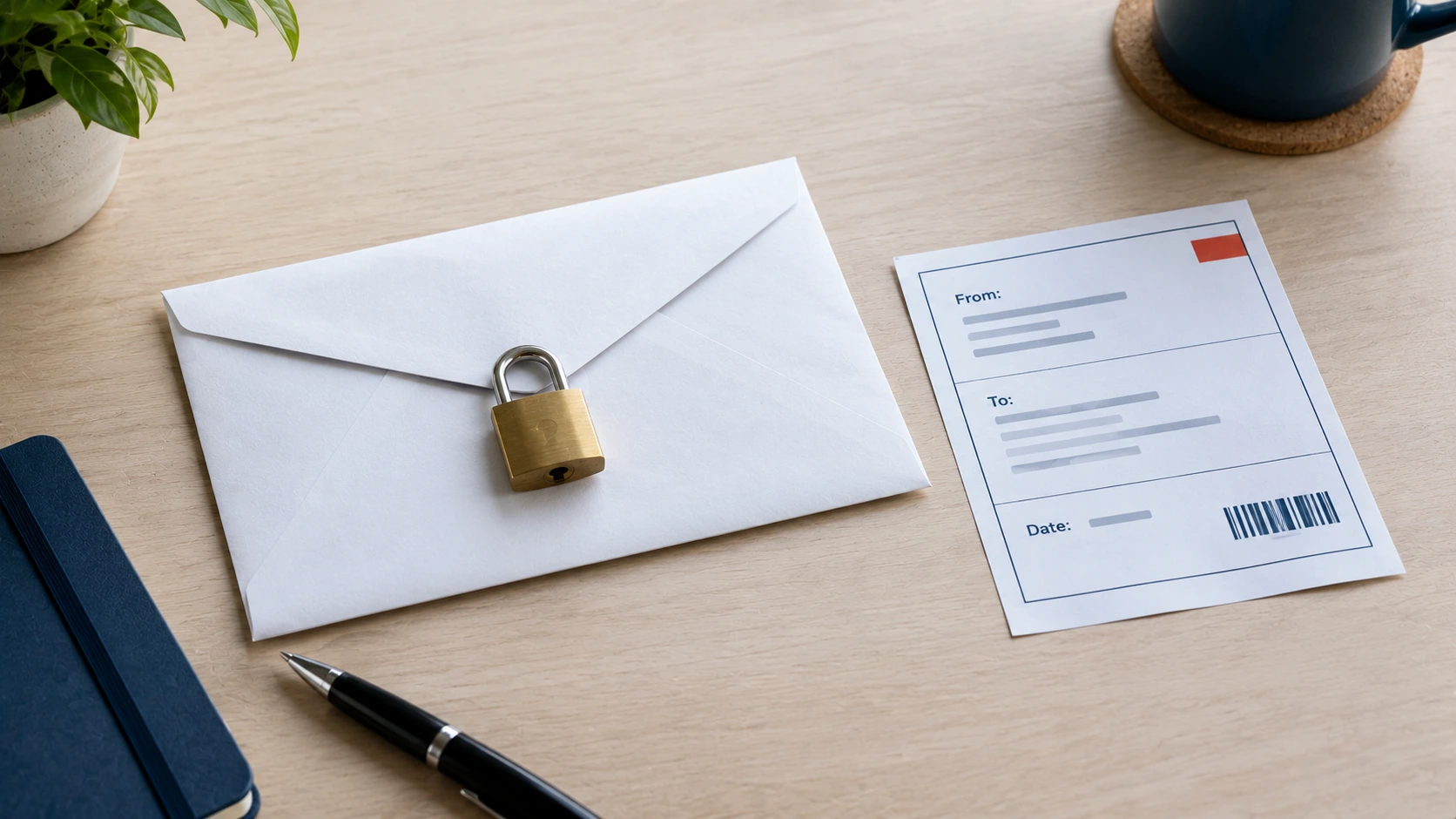
Think about the envelope again. A locked letter can protect the words inside, but the envelope may still show where it is going.
Different apps handle metadata in different ways. Read our guide to secure messaging apps and their privacy features to understand some of these differences.
The Electronic Frontier Foundation’s guide to metadata explains why information about a communication can matter even when its content is protected.
How to See the Metadata in Your Own Photos
The best way to understand photo metadata is to look at your own pictures. It only takes a minute, and you do not need any special tools.
On an iPhone
Open the Photos app and choose a picture. Swipe up on the photo or tap the small i button. You will see the date, the time, the camera, and sometimes a map showing where the photo was taken.
On an Android phone
Open Google Photos, choose a picture, and swipe up. The details can show the date, the device, the file size, and the place where the photo was taken if location was turned on.
On a Windows computer
Right-click the photo file, choose Properties, and open the Details tab. At the bottom, the link Remove Properties and Personal Information lets you make a clean copy without some of these details.
On a Mac
Open the photo in Preview, then click Tools and choose Show Inspector. You can see extra information such as the camera and the time the picture was taken.
If you see a location on a photo you planned to share, think twice. You can turn off location for your camera, or remove the location before you post it. The steps below show how.
How to Protect Your Metadata Online
You cannot stop every service from creating metadata. But you can reduce the amount of personal information you share.
1. Check photo location settings
Open your phone’s camera settings and review location tagging. Turn it off if you do not want new photos to record GPS locations. Remember that this may not remove location details from photos you already took.
2. Check photos before sharing
Before posting a private photo publicly, check whether it contains location or other personal details. Some apps remove certain metadata, but do not assume every platform handles files in the same way.
3. Remove metadata when needed
You can use a trusted tool to inspect and remove certain metadata from image files. ExifTool is a tool that can read and edit metadata in many file types.
Keep an original copy before changing a file. Metadata removal can affect useful information, and the steps needed depend on the file type. Also, removing photo metadata does not remove details visible in the image itself, such as a street sign or house number.
4. Review app permissions
Check which apps can access your location, contacts, camera, and microphone. Remove permissions that an app does not need. This will not stop all metadata collection, but it can limit some data access.
5. Share less personal information
Avoid posting your daily routine, live location, or private details publicly unless there is a good reason. Review the privacy settings on your social media accounts and messaging apps.
For more practical advice, explore our guide to what information your browser shares.
Frequently Asked Questions
What is metadata in simple words?
Metadata is information about other information. It is like the label on a box. The label does not show what is inside, but it can tell you who sent the box, where it came from, and when it arrived.
What is metadata privacy?
Metadata privacy means understanding and controlling who can access information about your files, messages, calls, and online activities. It helps reduce what others can learn from these details.
Can metadata reveal my location?
Yes, sometimes. A photo may contain GPS coordinates, and some services may collect location records. But not every file or service includes exact location details.
Does deleting a message remove its metadata?
Not always. Deleting a message from your device may not remove copies, backups, or records already held by a service or another person. The result depends on the app and its policies.
Is metadata always private?
No. Some metadata may be visible to other users, apps, service providers, or people who receive a file. What they can see depends on the file, service, and settings.
Helpful Links and Sources
These trusted resources explain metadata, digital privacy, and photo file details in more depth.
- Electronic Frontier Foundation: Why Communication Metadata Matters
- Electronic Frontier Foundation: Metadata Glossary
- ExifTool: Read and Edit File Metadata
- Office of the Privacy Commissioner of Canada: Metadata and Privacy
- DeepHiDX: Dark Web Glossary
- DeepHiDX: How to Tell When a Photo Was Taken
- DeepHiDX: Secure Messaging Apps
- DeepHiDX: Sources and Research
The Short Version
Metadata is information about a message, photo, phone call, or file. It may show when something happened, who was involved, or where a photo was taken.
Encryption can protect the words inside a message, but it does not always hide the details around it. Check your photo settings, review app permissions, and think before sharing private files.
Small steps can help protect your privacy. You do not need to understand every technical detail to start.

Comments