

By Ehtijad Ali
Updated: October 2026
Reading time: about 11 minutes
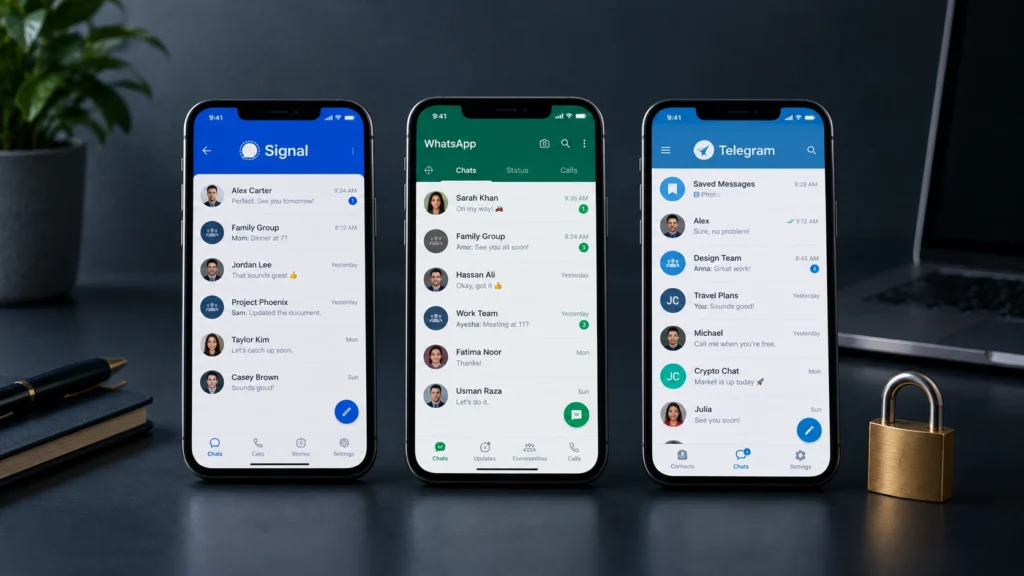
You probably use a messaging app every day. You might send family photos on WhatsApp, talk to friends on Telegram, or use Signal for private conversations.
But have you ever asked yourself which app keeps your messages safest?
The answer is not as simple as choosing the most popular app. Signal, WhatsApp, and Telegram have different privacy features. Some protect your messages automatically, while others require you to turn on a special chat mode.
In this guide, we compare Signal, WhatsApp, and Telegram in simple words to find the most secure messaging app for you. You will learn about encryption, personal information, chat backups, and the settings that help keep you safe.
Our goal is not to tell everyone to use the same app. It is to help you choose the right messaging app for your needs.
Table of Contents
Signal vs WhatsApp vs Telegram: Quick Comparison
Here is a quick look at the main differences. These are the normal chat settings, not every special feature an app offers.
| Feature | Signal | Telegram | |
|---|---|---|---|
| End-to-end encryption by default | Yes | Yes | No, not in regular cloud chats |
| Private one-to-one chats | Yes | Yes | Secret Chat mode |
| Group chat encryption | Yes | Yes | Regular groups are not end-to-end encrypted |
| Encrypted cloud backup option | Secure backup options, depending on setup | Optional end-to-end encrypted backups | Cloud chats use Telegram’s server-based system |
| Extra privacy controls | Yes | Yes | Yes |
| Best fit | Privacy-focused conversations | Everyday chats with family and friends | Large communities and cloud-based chats |
The main difference: Signal and WhatsApp lock your normal chats with end-to-end encryption right away. Telegram only does this in a special mode called Secret Chats. Its regular chats are not locked this way.
You can learn more on the official Signal website, the WhatsApp security page, and the Telegram FAQ.
What Is End-to-End Encryption?
End-to-end encryption is a way to protect a message so that only the people in the conversation can read it. The message is locked on the sender’s device and unlocked on the receiver’s device.
Think of it like sending a letter inside a locked box. You have one key, and the person receiving the letter has the other key. Someone carrying the box should not be able to open it and read the letter.
When a chat is end-to-end encrypted, even the app company cannot read your messages. Only you and the person you are talking to can see them.
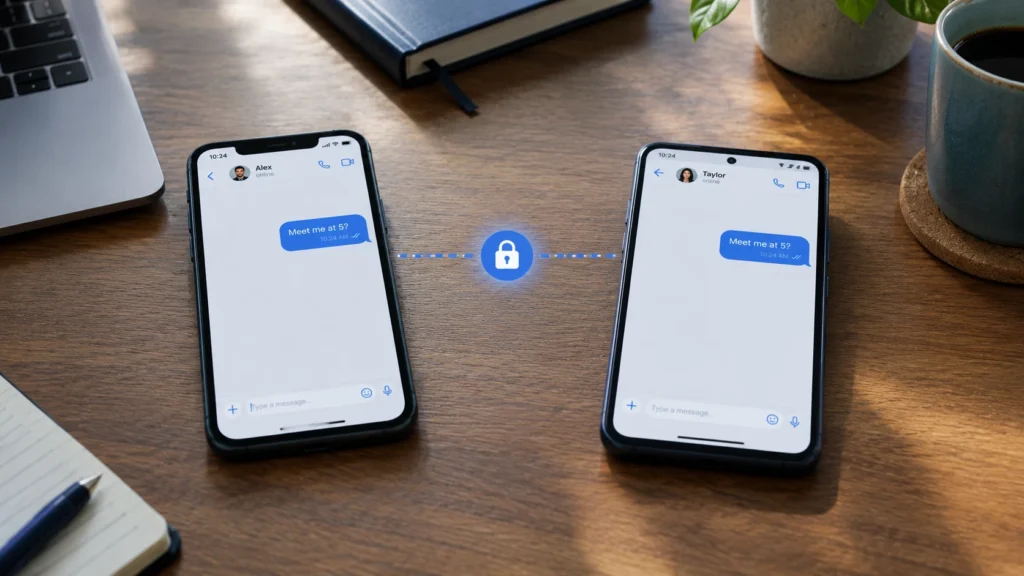
However, encryption does not protect everything. Someone who gets into your unlocked phone may read your messages. The person receiving a message may also take a screenshot or share it with someone else.
But encryption does not hide everything. The app may still know things like when you used it or which account you talked to. These details are called metadata.
You can also read our dark web glossary to learn more about encryption and other online safety terms.
1. Signal: A Strong Choice for Private Messaging
Signal is built around private communication. It offers messages and calls protected by end-to-end encryption by default. You do not need to switch on a separate Secret Chat mode to protect an ordinary conversation.
How Signal protects your messages
Signal locks your private chats, group chats, and calls with end-to-end encryption. Its code is open-source, which means security experts can check how it works.
Signal tries to collect as little information about you as possible. It still needs a few details, like your phone number, to send messages and run your account.
What about Signal backups?
Signal offers backup and device-transfer options, depending on your device and setup. Its optional Secure Backups feature uses end-to-end encryption and a recovery key. Keep that key safe because losing it can mean losing access to the backup.
Check the current options in the official Signal backup guide before changing phones or reinstalling the app.
Who should use Signal?
Signal is a good option for people who put privacy first. It can be useful for personal conversations, family chats, and people who want to share less information with their messaging provider.
One drawback is that your friends and family may need to install another app before you can move your conversations there.
Official source: Is Signal private?
2. WhatsApp: Everyday Chats With Strong Encryption
WhatsApp is widely used for personal messages, family groups, photos, voice notes, and calls. A major benefit is that end-to-end encryption is enabled by default for personal messages and calls, including group chats.
Is WhatsApp safe for private conversations?
WhatsApp uses the same lock system as Signal, called the Signal Protocol. This means WhatsApp cannot normally read your personal chats or listen to your calls.
But keeping your messages private is not the same as keeping your account private. WhatsApp is owned by Meta. It may still collect details like your phone number, your device type, and how you use the app. Encryption protects the words you send, not every detail about you.
The backup setting you should check
WhatsApp lets you back up chats to cloud services. You can also turn on optional end-to-end encrypted backups. Do not assume that this extra protection is enabled just because your normal chats are encrypted.
Open WhatsApp settings, find the chat backup options, and check whether end-to-end encrypted backup is enabled. Menu names may differ between phones and app versions.
Read the WhatsApp help centre and Meta’s official guide to encrypted backups for more information.
Who should use WhatsApp?
WhatsApp can be a practical choice if most of your contacts already use it. You get encrypted everyday conversations without asking everyone to move to a new app.
If you pick WhatsApp, check your backup settings, choose who can see your profile photo and “last seen” time, and turn on extra privacy features when you need them.
3. Telegram: Know the Difference Between Cloud Chats and Secret Chats
Telegram offers cloud-based chats, groups, channels, file sharing, and a separate Secret Chat feature. This makes it useful for people who want to join communities or access their messages across several devices.
But there is one important detail many people miss: regular Telegram cloud chats are not end-to-end encrypted.
How Telegram Secret Chats work
Telegram Secret Chats use end-to-end encryption. They are designed for conversations between two people and are tied to the devices where the chat was started. They do not sync through Telegram’s cloud in the same way as regular chats.
Regular cloud chats use client-server encryption and are stored in Telegram’s cloud system so you can reach them from your devices. This is different from end-to-end encryption, where the service cannot read the message contents.
Remember that ordinary Telegram groups and channels are not end-to-end encrypted. If you use Telegram for a sensitive conversation, do not assume that a normal chat has the same protection as a Secret Chat.
What about Telegram privacy?
Telegram’s cloud system makes it easy to keep and access messages, photos, and files. However, the company handles cloud-chat data under its own system and privacy policy. The amount of information involved depends on the feature you use.
Telegram also has bots, which are small helper programs. Be careful about sharing personal details with a bot. The person who runs it may follow different rules than Telegram.
Read Telegram’s official FAQ and privacy policy to understand the difference between cloud chats and Secret Chats.
Who should use Telegram?
Telegram is good for big groups, public channels, and sharing files. You can also get end-to-end encryption, but only when you choose to start a Secret Chat.
If you want every chat locked with end-to-end encryption, remember that Telegram does not do this for normal chats.
What Can These Messaging Apps Know About You?
Metadata is information about a message, not the words inside it. For example, it can show when a message was sent, which account sent it, or what device was used.
Think about sending a sealed letter. The person carrying it may not be able to read the letter, but the outside of the envelope can still show where it is going. Metadata can work in a similar way.
Signal: Signal is built to store as little about you as possible. It says it does not keep many of the records other apps keep about your contacts, groups, and profile.
WhatsApp: Message contents are end-to-end encrypted, but the service may still process account, device, and usage information. Read its privacy policy to learn what applies to your account and location.
Telegram: Its cloud-chat model requires the service to handle and store cloud-chat data. Secret Chats use a different design, with end-to-end encryption and no cloud syncing of those chats.
No messaging app can promise that every part of your digital life is invisible. Your phone, internet connection, contacts, and the person receiving your messages can all affect your privacy.
Want to learn more? Read the Electronic Frontier Foundation’s guide on why metadata matters.
Chat Backups: The Privacy Gap You Should Not Ignore
Your messages may be protected while you send them, but what happens when you save a copy for later?
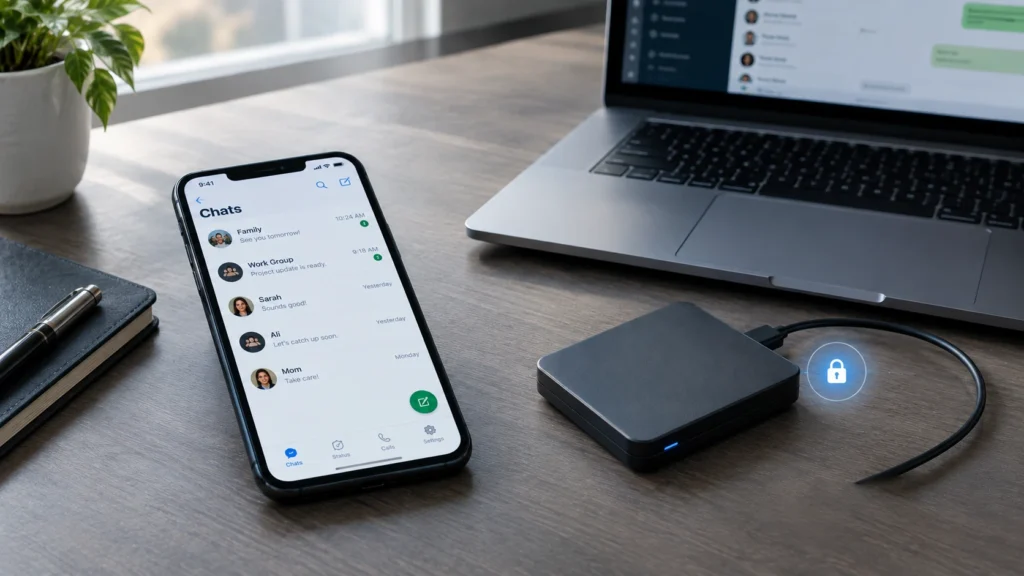
Backups help you recover messages after losing or replacing a phone. However, their protection depends on how the backup is created and where it is stored.
Signal offers optional encrypted backup choices. WhatsApp offers an optional setting for end-to-end encrypted cloud backups. Telegram stores regular cloud chats in its cloud system rather than treating them like device-only Secret Chats.
Before backing up your conversations, follow these steps:
- Open your messaging app’s settings.
- Find the chat backup or storage section.
- Check whether the backup uses end-to-end encryption.
- Read how to recover your backup before turning the feature on.
- Keep recovery keys and passwords somewhere safe.
Do not share your recovery key with anyone who contacts you unexpectedly. A person who gets the key or access to your unlocked device may be able to access information you wanted to keep private.
Which Messaging App Should You Choose?
The right choice depends on what matters most to you.
Choose Signal if privacy comes first
Signal is a great pick if you want every normal chat locked with end-to-end encryption, without turning on any special setting. It also collects less information about you. For many people, that makes it the most secure messaging app for everyday use.
Choose WhatsApp if you need to reach everyone
WhatsApp may be easier when your family, friends, or work contacts already use it. Personal messages and calls are end-to-end encrypted by default, but you should still review your account privacy and backup settings.
Choose Telegram for channels and cloud features
Telegram is useful for big communities, public channels, and reaching your chats on many devices. When you need a private one-to-one chat, start a Secret Chat. Normal chats and groups do not get the same protection.
Curious how criminals misuse chat apps? Read our guide on why cybercriminals moved to Telegram and how to stay safe.
5 Simple Ways to Make Your Chats Safer
Whatever app you use, these habits can help protect your conversations.
- Lock your phone. Use a strong screen lock so another person cannot easily open your messages.
- Turn on extra account protection. Use the security features offered by your app and protect your account recovery details.
- Check backup settings. Make sure you understand how your chat history is stored.
- Be careful with links. A private chat can still contain a scam link sent by someone pretending to be a friend.
- Keep your apps updated. Updates can fix security problems and add important protection features.
Remember, even the most secure messaging app cannot protect you from a scammer you choose to trust. Learn how to tell if a message is a scam, and read about pig butchering scams, which often start with a friendly text.
For more easy safety tips, see the Electronic Frontier Foundation’s Surveillance Self-Defense guides. You can also explore our dark web timeline to see how online privacy tools grew over the years.
Frequently Asked Questions
What is the most secure messaging app?
Signal is a strong choice for people who want end-to-end encryption by default and a service designed to collect less personal information. WhatsApp also protects personal messages and calls by default. The best choice depends on your needs and settings.
Is Signal safer than WhatsApp?
Both lock personal chats and calls with end-to-end encryption by default. Signal collects less data about you. WhatsApp is easier if all your friends already use it. Your backup settings and safety habits matter too.
Is Telegram end-to-end encrypted by default?
No. Regular Telegram cloud chats are not end-to-end encrypted. You must start a Secret Chat to use Telegram’s end-to-end encrypted one-to-one chat feature.
Can messaging apps read my encrypted messages?
With end-to-end encryption, the app company cannot normally read your messages. But some metadata may still be collected. Your messages can also be seen if someone gets into your phone or an unprotected backup.
Are encrypted chats safe if I back them up?
It depends on the backup method. Check whether end-to-end encryption is enabled for the backup itself. Do not assume that encrypted messages automatically mean every stored copy has the same protection.
Can someone take screenshots of an encrypted conversation?
Yes. End-to-end encryption protects messages while they are sent between devices, but it cannot stop the recipient from taking a screenshot, copying the text, or photographing the screen with another device.
The Final Answer: Signal vs WhatsApp vs Telegram
When comparing Signal vs WhatsApp vs Telegram, remember that each app has different strengths.
Signal is the best choice if privacy matters most to you. WhatsApp also locks personal chats and calls by default, and it is easy to reach lots of people. Telegram has great cloud features and big communities, but its regular chats are not end-to-end encrypted.
Do not judge a messaging app only by its popularity or its security claims. Check how your messages are protected, how backups work, and what information the service may collect.
A few minutes spent checking these settings can help you make a better choice and keep your private conversations safer.
Official Sources and Further Reading
Use these sources to check the security features and privacy rules discussed in this guide.
- Signal: Privacy and trust
- Signal: Backups and device transfers
- WhatsApp: Security
- WhatsApp: End-to-end encrypted backups
- Telegram: Frequently asked questions
- Telegram: Privacy policy
- EFF: What should I know about encryption?
- EFF: Why metadata matters
Last reviewed: October 2026. App features and settings can change, so check the official documentation for the latest details.



Comments