
By Ehtijad Ali
Updated: October 2026
Reading time: about 8 minutes
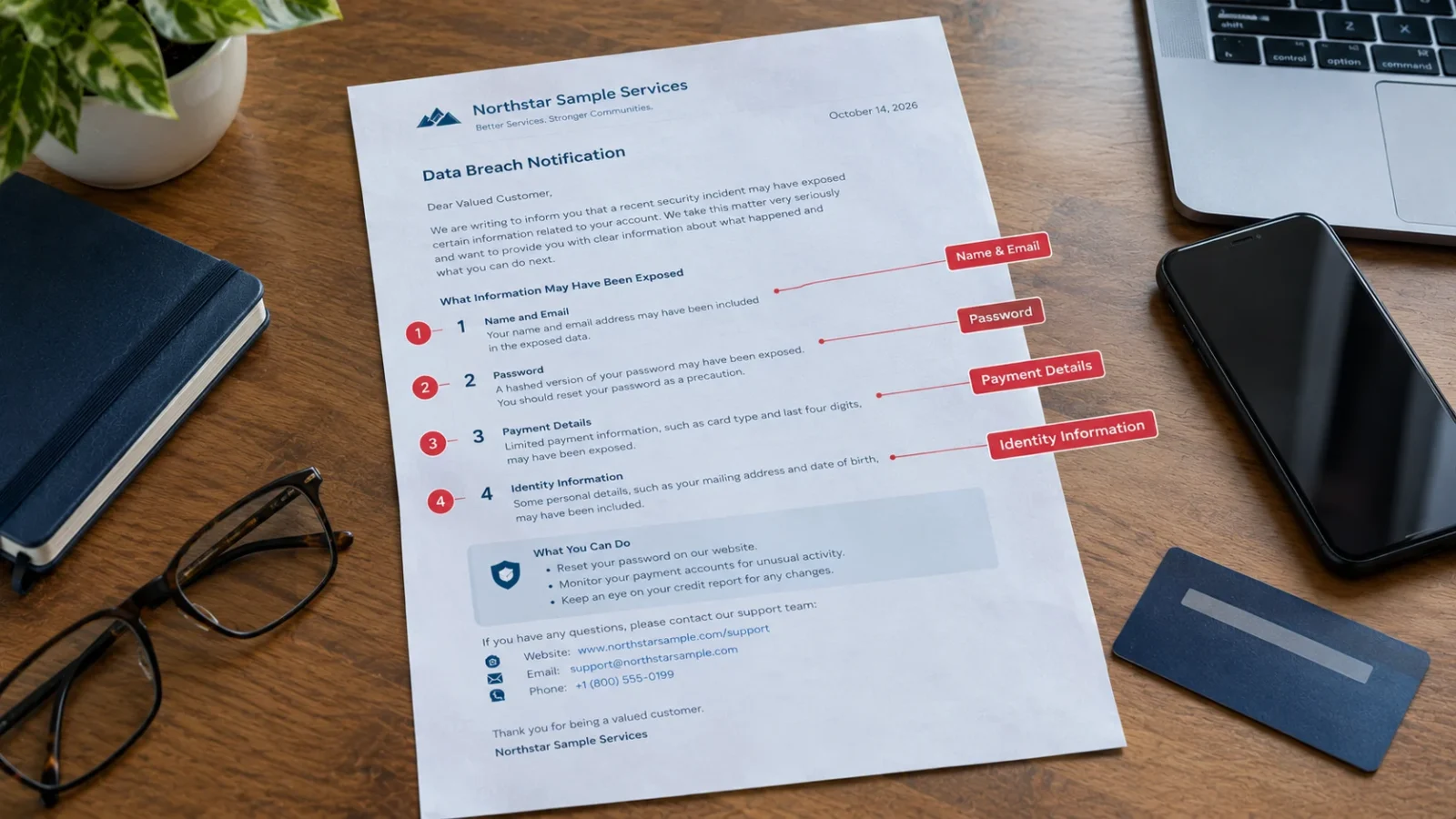
Is dark web monitoring worth it? It can be useful, but not everyone needs to pay for it. These services look for personal details, email addresses, passwords, and other information that may have been exposed online.
The problem is that no service can check every hidden website or find every stolen record. Some tools also check information that you can search for yourself for free.
In this guide, you will learn what dark web monitoring services really check, what their alerts mean, which free tools can help, and what to do if your information shows up in a leak. By the end, you will know if paying for it makes sense for you.
Table of Contents
Is dark web monitoring worth it? The quick answer
Dark web monitoring may be worth paying for if you want regular alerts about exposed personal information and the service checks the details that matter to you.
However, if your main concern is a leaked email address or password, free tools may cover much of what you need. A strong password, a password manager, and two-step login are also important.
- It may be worth it: You want alerts for several email addresses or types of personal information.
- You may not need it: You only want to check whether your email appeared in a known data breach.
- Remember: Monitoring can warn you about some exposed data, but it cannot guarantee that your accounts are safe.
What is dark web monitoring?
Dark web monitoring is a service that searches certain parts of the internet for information about you, like your email address or phone number. It looks in places where stolen information is shared, sold, or posted after a company gets hacked.
For example, imagine you have an account on a shopping website. Someone breaks into the company’s system and steals a list of customer email addresses. That list may later appear in a stolen data collection. Learn what hackers do with stolen data after a break-in like this.
A monitoring service may find your email in that collection and send you an alert. You can then change your password and protect other accounts that use the same details.
For a simple explanation of these terms, read our dark web glossary. You can also explore our dark web timeline to learn about major events involving stolen data and online crime.
What does dark web monitoring check?
Different services check different sources and types of information. Read the service details before paying, because the name alone does not tell you exactly what is covered.
1. Data breach records
A data breach happens when private information is exposed or stolen from a company, website, or online service. The stolen information may include email addresses, usernames, passwords, phone numbers, or other personal details.
Some monitoring tools search lists of information from known breaches. If your details match a record, the service may tell you which company or website the leak came from.
Learn more in our guide to checking whether your email was in a data breach.
2. Combolists
A combolist is a collection of email addresses, usernames, and sometimes passwords gathered from different sources. Criminals may use these lists to try stolen login details on other websites.
For example, someone may use a password stolen from an old gaming account to try logging into an email account. This is one reason you should never reuse the same password across different websites. Criminals call this trick credential stuffing.
3. Infostealer logs
Infostealer malware is harmful software that can steal saved passwords, browser data, and other information from an infected device. Stolen information may later appear in logs that are traded or shared online.
Some monitoring services check these records. A match here can be more serious than an old breach, because it may mean the information was stolen straight from your own computer or phone.
Read our guide to infostealer malware and how it steals information to learn how these threats work.
4. Forums, marketplaces, and other sources
Some services also check selected online forums, leak websites, criminal marketplaces, and other sources where stolen information may appear. Business-focused services may search for exposed company accounts, employee details, or private files.
But each company checks different places. Some mostly use ready-made lists of leaked data. Others search more places and have real people check the results. Do not assume that every paid service checks every hidden website.
What dark web monitoring finds and what it misses
Finding leaked information and protecting your account are two different jobs. Monitoring only does the first one. You still have to do the second.
What it may find
- Email addresses and usernames in known breach records.
- Passwords or login details included in collected stolen data.
- Personal details included in sources the provider monitors.
- Some information from infostealer logs, forums, or leak sites.
- Company information or employee accounts, if the service supports business monitoring.
What it may miss
- Data that has not yet been discovered or added to its sources.
- Leaks posted in places the provider cannot access or does not monitor.
- New attacks that have not produced a known data record.
- Someone logging into your account with stolen details.
- Every type of identity theft or misuse of your personal information.
An alert also does not prove that a criminal is using your account right now. It means the service found information that matched something you asked it to monitor. The record may be old, repeated, or linked to a previous breach.
Likewise, receiving no alert does not prove that your information has never been exposed. The service may not have access to the source or may not have found a matching record yet.
Are paid dark web monitoring services worth the money?
So, is dark web monitoring worth it for you? The answer depends on what you need. Some services include monitoring as part of an antivirus, identity protection, or security plan. Others charge extra for more alerts and checks.
Before buying a plan, ask these questions:
- What information can I monitor? Check whether the plan covers only email addresses or also phone numbers and other details you need.
- Which sources does it check? Look for a clear explanation of its data sources and limits.
- How are alerts explained? Useful alerts should tell you what was found and what action to take.
- Does it help me respond? An alert is more useful when it includes clear next steps.
- Is it already included? Check your current security plan before paying for another service.
Be careful with promises that a service will find everything or keep you completely safe. No monitoring service can make that guarantee.
Free dark web monitoring alternatives
Still asking yourself, is dark web monitoring worth it? Try these free steps first. You can do a lot to protect yourself without buying a monitoring plan.
1. Check your email with Have I Been Pwned
Have I Been Pwned lets you check whether an email address appears in the breach records it knows about. Enter your email address on the official website and review the results.
You can also use its email notification service to receive alerts about future breaches that include your address. The service does not cover every possible leak, so use it as one part of your safety plan.
2. Use a password manager
A password manager creates and stores different passwords for your accounts. This helps stop one stolen password from opening several accounts.
Choose a trusted password manager, protect it with a strong main password, and turn on extra login protection when available. You can read the UK National Cyber Security Centre’s guide to password managers.
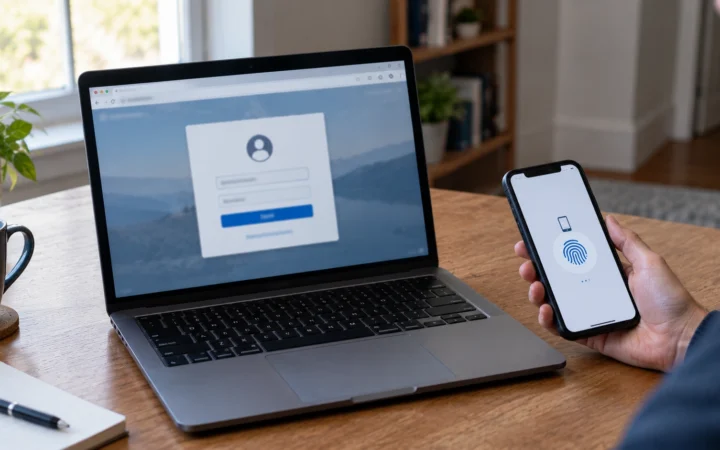
3. Turn on two-step login
Two-step login asks for another proof of identity after your password. This may be an authenticator app, a security key, or another supported method.
Turn it on for your email account first, then for your bank, social media, and other important accounts. The Federal Trade Commission’s guide to two-factor authentication explains how it works.
4. Check security alerts from your accounts
Many email providers, banks, and social networks offer alerts for unusual sign-ins or account changes. Review the security settings of your important accounts and enable available alerts.
These steps do not replace every paid monitoring feature, but they cover many common risks without another monthly bill. For many people, that is enough to answer “is dark web monitoring worth it?” with a simple “not yet.”
What to do after a dark web monitoring alert
If you receive an alert, stay calm. Do not assume your account has already been taken over. Follow these steps to find out what happened and reduce the risk.
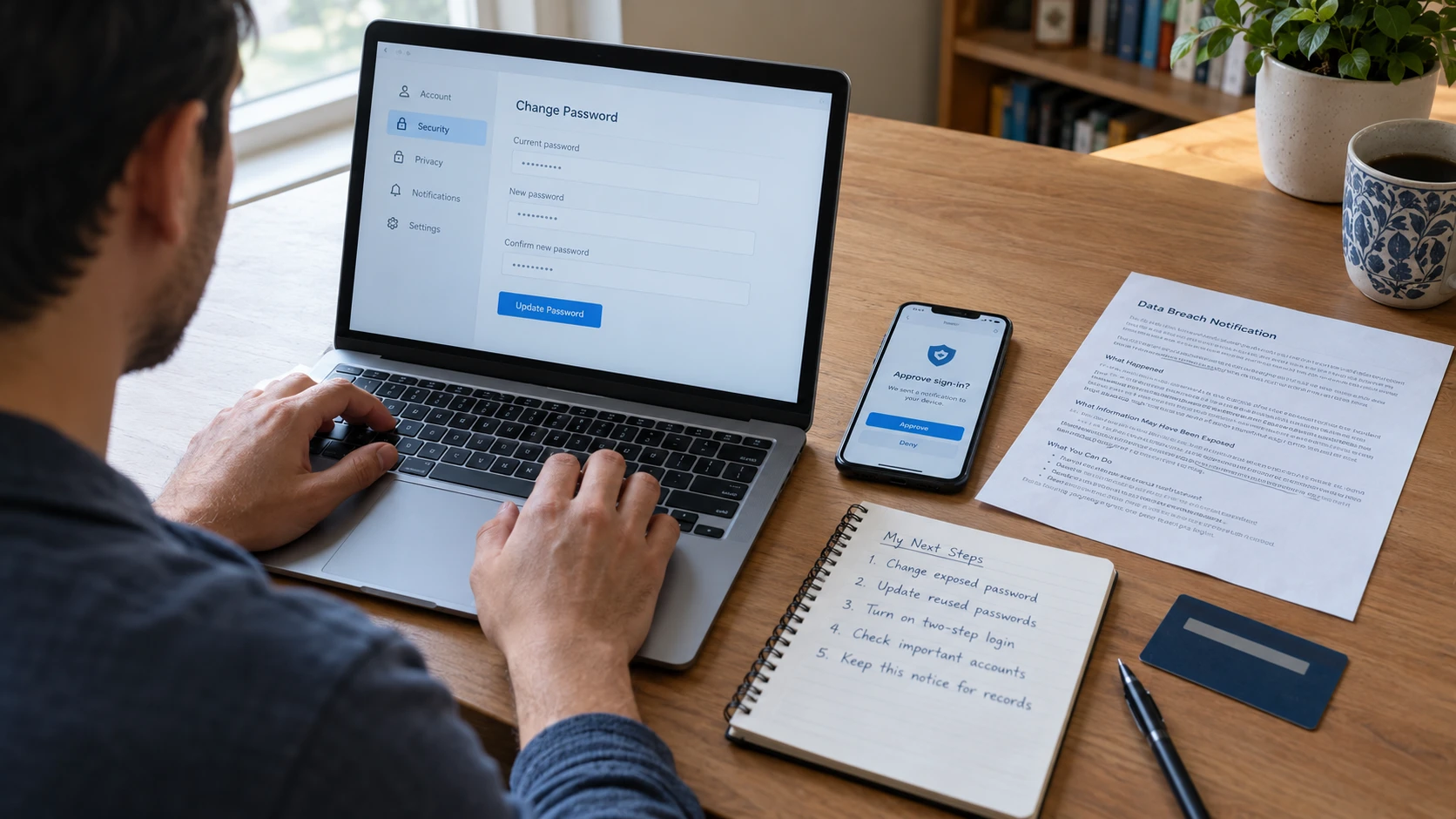
- Check the alert carefully. Find out what information appeared, which service was involved, and whether the record has a date.
- Visit the real website yourself. Do not click a link in a surprising alert. Open a new browser tab and enter the official address.
- Change the exposed password. If you still use it, replace it with a strong, unique password.
- Change reused passwords elsewhere. Protect every account that uses the same password, especially your email and financial accounts.
- Turn on two-step login. Add another layer of protection to your important accounts.
- Check account activity. Look for sign-ins, password changes, messages, purchases, or transactions you do not recognize.
- Act quickly if personal or financial details were exposed. Contact the relevant bank or company if you see fraud or believe someone has accessed your account.
If you believe someone is using your identity, read the FTC’s IdentityTheft.gov recovery guidance. It explains what to do after identity theft and how to make a recovery plan. Some steps depend on your country and the type of information exposed.
Watch out for fake breach alerts
Scammers know that people worry about leaks. So they sometimes send fake alerts that look like real warnings. A fake alert may say your account will be locked unless you click a link right away.
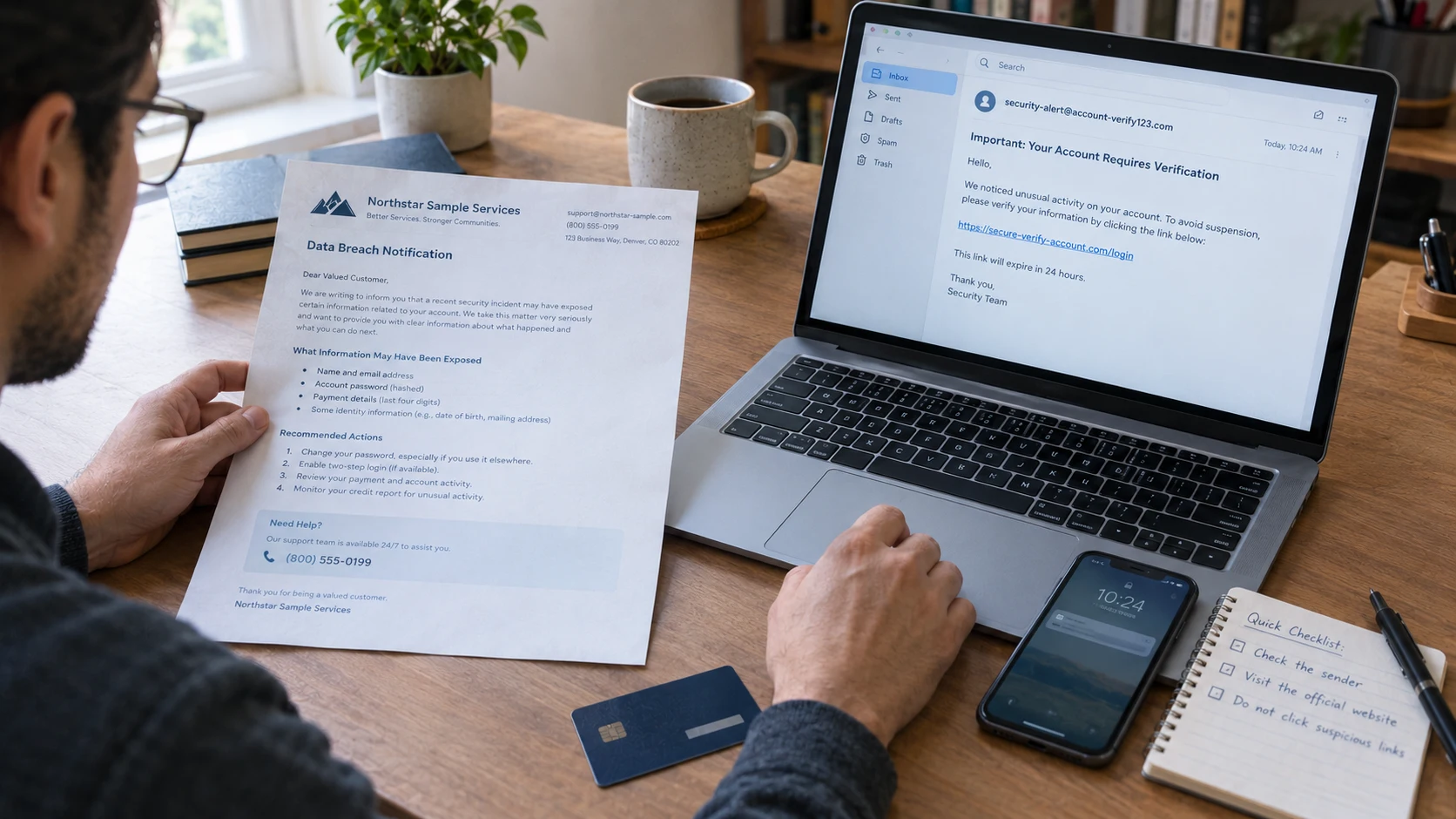
A real notice usually explains what happened and what you can do. It does not rush you into typing your password through a link. If a message feels urgent or strange, do not click it. Open the company’s real website or app yourself and check there.
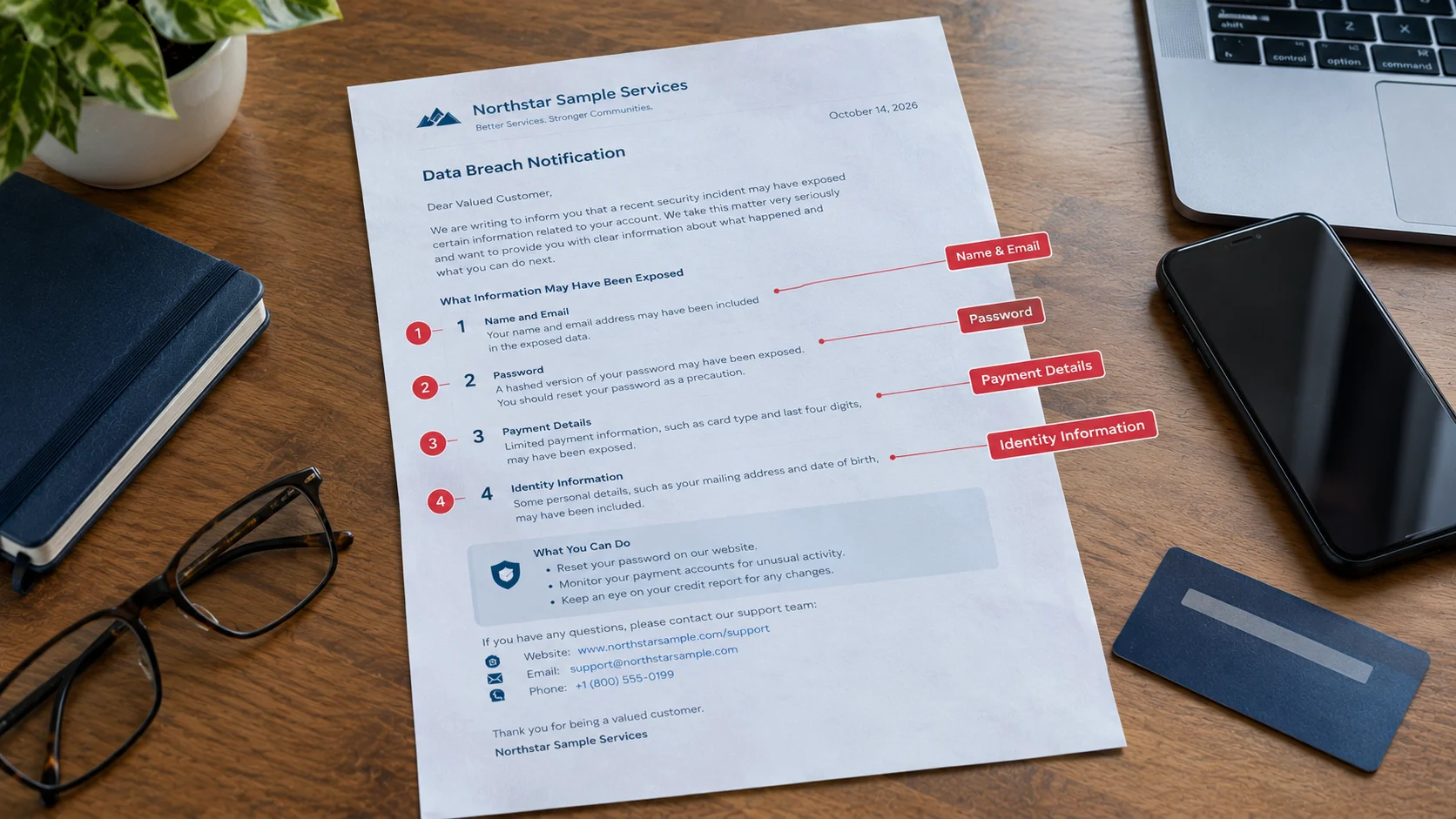
To see what a real notice looks like, read our guide on what a data breach notification letter means. If you already clicked a link, follow our steps for what to do after clicking a phishing link.
How to choose a dark web monitoring service
If you have asked, “is dark web monitoring worth it?” and decided yes, compare the features instead of choosing a plan based only on its advertising. Check the company’s official documentation to learn what information it monitors, how alerts work, and what happens to the details you provide.
Read the privacy policy before submitting sensitive information. Check how the provider stores your details, how you can remove them, whether the service renews automatically, and how much it costs after any trial period.
Most importantly, look for a clear description of the service’s limits. A trustworthy provider should explain what it can check and what it cannot promise to find.
Frequently asked questions
Is dark web monitoring worth it for most people?
For most people, free breach alerts, a password manager, and two-step login cover the biggest risks. Paid monitoring is worth it mainly if you want alerts for many details at once, like several email addresses, phone numbers, or ID numbers.
Can dark web monitoring remove my leaked information?
No. Monitoring can warn you about some leaked information, but it cannot delete copies that criminals already have. If a company was hacked, contact that company for advice. Then change any exposed passwords and protect your accounts.
Does dark web monitoring prevent identity theft?
No. It may help you learn about some leaks sooner, but it cannot stop every criminal from using stolen information. Strong passwords, two-step login, account alerts, and quick action are still important.
Is free dark web monitoring good enough?
For many people who mainly want to check an email address, a free breach checker and basic account safety steps may be enough. A paid service may help if you need wider monitoring, more types of alerts, or extra support.
Does an alert mean my password is still being used?
Not always. The record could contain an old password from a past breach. Change it if you still use it, and change it anywhere else you reused it. Check your account activity if you think someone got in.
Should I pay for dark web monitoring if my email was exposed?
Not always. First, check what information was exposed and whether you still use that password. Secure your accounts and sign up for free breach alerts. Pay for monitoring only if its extra features meet a real need.
Helpful links and trusted sources
These resources explain data breaches, online account safety, and how to respond when your information is exposed. They can also help you answer “is dark web monitoring worth it?” with facts instead of fear.
- Have I Been Pwned — check an email address against known breach records.
- Have I Been Pwned notifications — sign up for supported breach alerts.
- Federal Trade Commission: What to do if you were scammed — steps to protect your accounts after sharing information.
- IdentityTheft.gov — guidance for people affected by identity theft.
- FTC: Two-factor authentication — learn how to add extra login protection.
- UK National Cyber Security Centre: Password managers — learn how password managers help protect accounts.
- Rapid7: Dark web monitoring — an overview of monitoring sources, alerts, and response.
- DeepHiDX sources and research — learn how we select and check sources for our articles.
The short version: is dark web monitoring worth it?
So, is dark web monitoring worth it? It can be useful, but it is not a complete safety system. It may find your information in known breach records, combolists, or other sources. It cannot see every leak, stop every attack, or guarantee that your information is safe.
Start with free breach checks, unique passwords, two-step login, and account alerts. If you need wider monitoring, compare paid services carefully and check what each plan actually covers.
The best choice is the one that helps you act on real risks, not the one that scares you into paying.

Comments