
By Ehtijad Ali
Updated: October 2026
Reading time: about 11 minutes
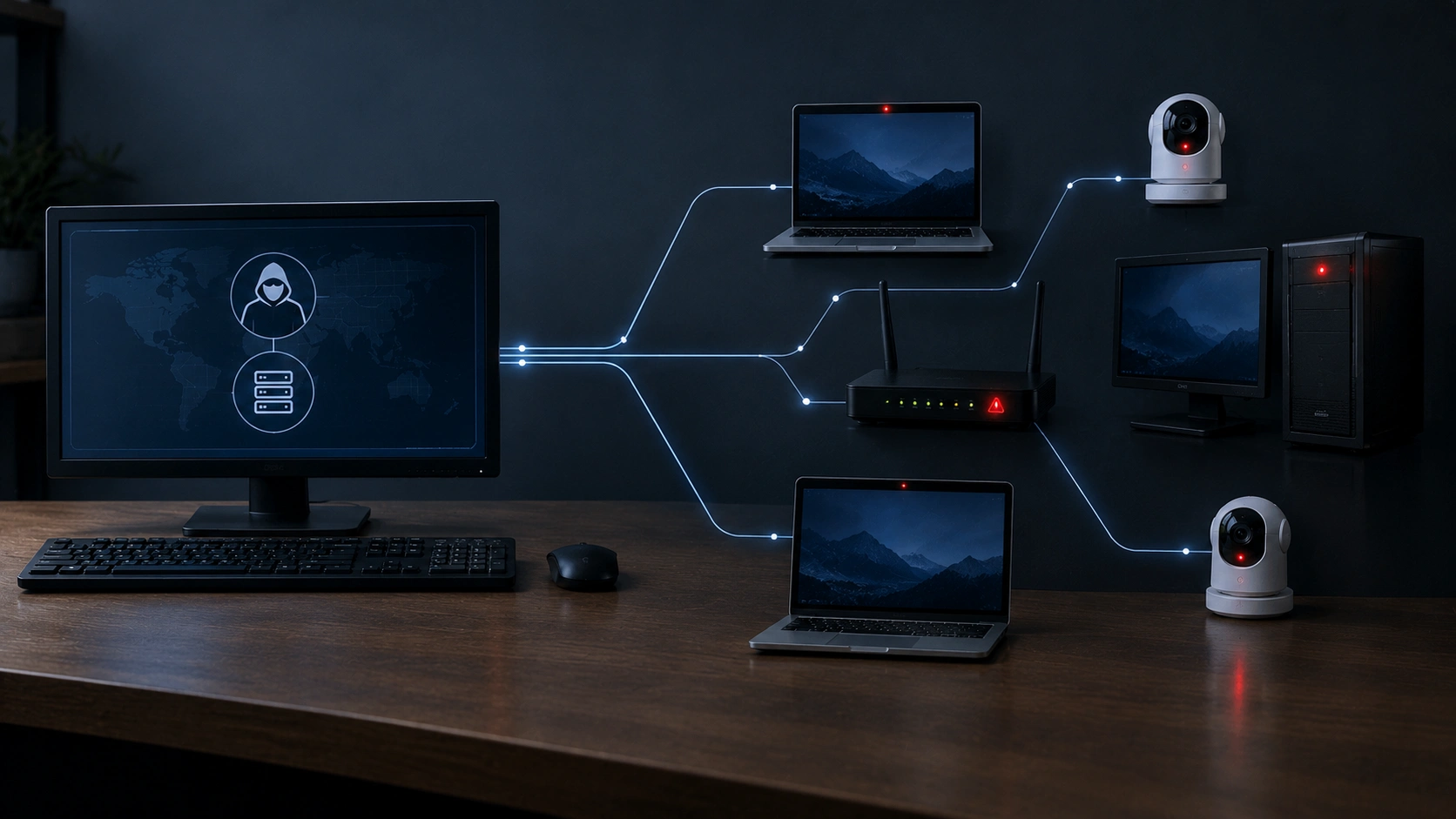
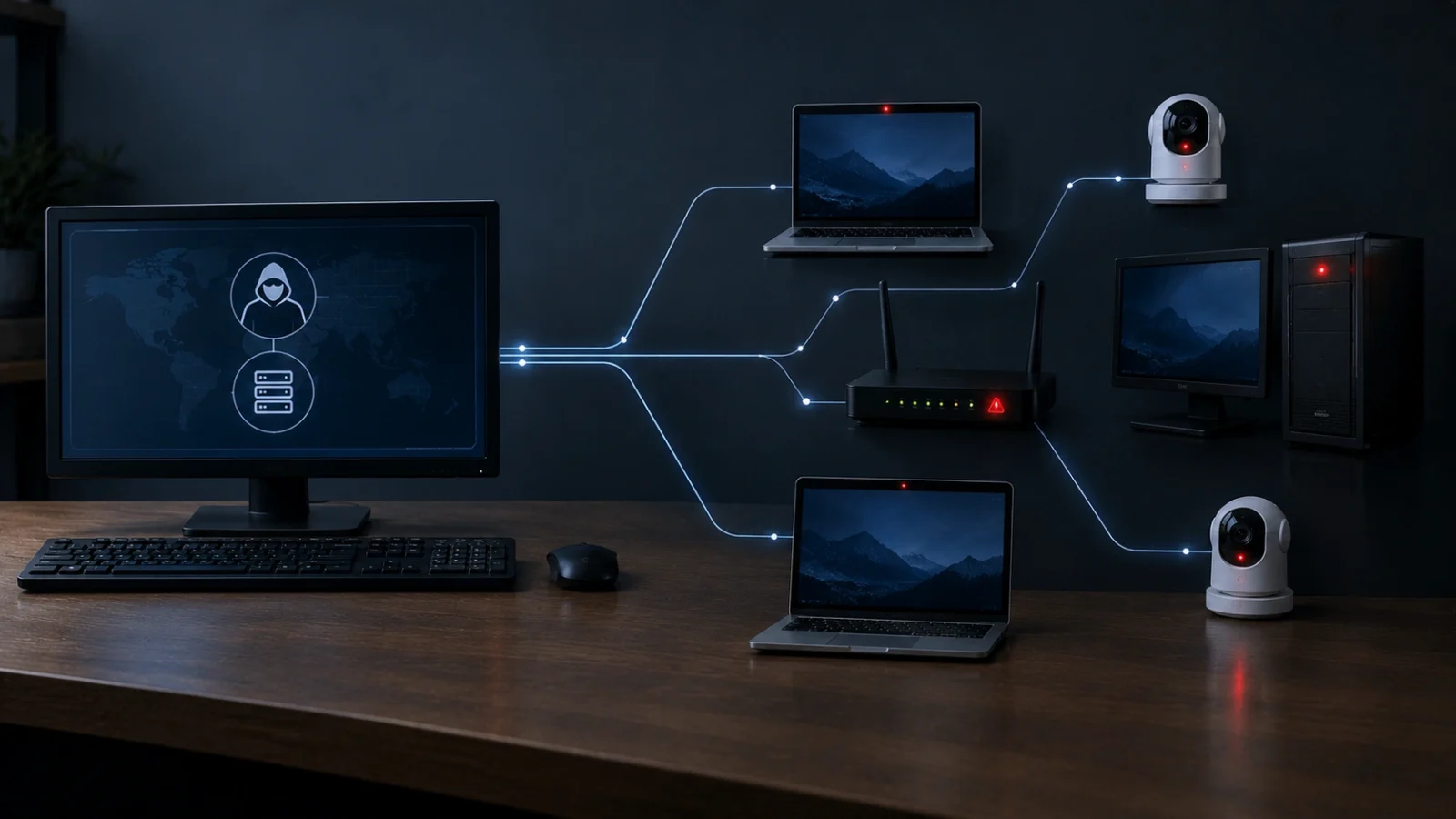
Imagine someone secretly put a remote control inside your laptop, your Wi-Fi router and your security camera. You would not see it. Your devices would still seem normal. But one day, that person could press a button and make all of them do a job for them.
Now imagine they did this to millions of devices around the world at the same time. That is a botnet.
So, what is a botnet, exactly? This guide explains it in simple words. You will learn how a botnet works, how normal devices get trapped in one, what criminals use botnets for, real botnet takedowns, the warning signs, and 7 easy ways to protect your devices.
What is in this guide?
What is a botnet? The short answer
- A botnet is a network of hacked devices controlled by one criminal or group.
- “Bot” means a hacked device. “Net” means network.
- Any internet device can be a bot: computers, phones, routers, smart cameras and even smart light bulbs.
- Criminals use botnets to send spam, crash websites, hide their tracks and steal data.
- You can protect yourself with updates, strong passwords and a few smart habits.
What is a botnet, in simple words?
The word botnet comes from two words: robot and network.
Each hacked device is called a bot or a zombie. It is called a zombie because it follows orders without its owner knowing. The person who controls the botnet is called the bot herder or botmaster.
Think of it like a puppet show. The bot herder holds the strings. Thousands or even millions of devices are the puppets. Each puppet does a small job, but together they can do something huge.
One hacked laptop sending a few emails is not a big deal. One million hacked devices sending emails at the same time can flood the whole internet with spam. That is why the answer to “what is a botnet” matters: the danger comes from the size of the group, not just one device.
Want simple explanations of other hacker words? See our dark web glossary.
How does a botnet work?
Most botnets follow the same three steps:
- Infect. The criminal gets harmful software, called malware, onto a device. This can happen through a bad link, a fake download or a weak password.
- Connect. The infected device quietly connects to a computer the criminal controls. This is called the command-and-control server, or C2 for short. It is like the boss’s office.
- Command. The criminal sends orders from the C2 server to every bot at once, like “send this spam” or “attack this website”.
Some newer botnets do not use one boss computer. Instead, the bots pass messages to each other, like kids passing notes in class. This is called a peer-to-peer botnet. It is harder to shut down because there is no single office to close.
Security company Cloudflare has a helpful explainer on how DDoS botnets are controlled if you want to go deeper.
What is a botnet attack? A simple example
Let’s follow one home router to see how this works in real life.
Sara buys a new Wi-Fi router. She plugs it in and it works, so she never changes the password. It is still “admin”. She never updates it either.
A few months later, a botnet program scanning the internet finds her router. It tries “admin” and gets in. It quietly installs a tiny piece of malware. Sara’s internet still works, so she notices nothing.
One night, the bot herder sends a command. Sara’s router, along with thousands of other hacked routers and cameras, starts sending junk traffic to an online game company. The game’s servers crash, and millions of players cannot log in.
Sara did nothing wrong on purpose. Her router was simply easy to break into. That is the simplest answer to “what is a botnet attack”: many normal devices, used without their owners knowing, working together to cause harm.
If Sara had changed her password and turned on updates, the botnet would most likely have moved on to an easier target.
How do computers, cameras and routers join a botnet?
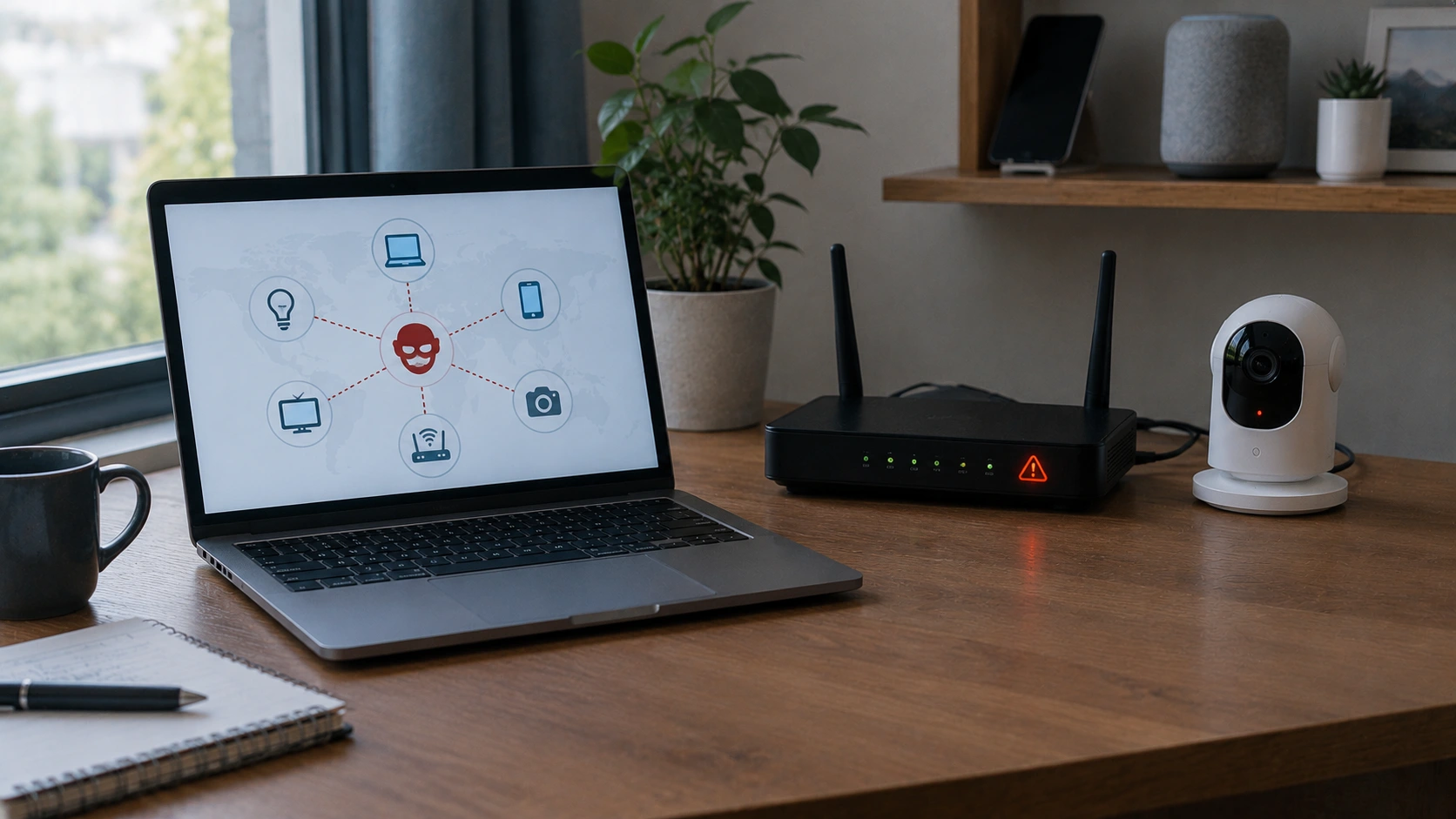
Your device does not join a botnet on purpose. It gets tricked or broken into. Here are the four most common ways:
1. Opening a harmful file or link
A fake email, text or pop-up tricks you into clicking. The link downloads malware in the background. Learn the warning signs in how to tell if a message is a scam, and see what happens if you click a phishing link.
2. Using old software
Old software has holes that hackers already know about. Updates fix those holes. A device that never updates is like a house with a broken lock that never gets repaired.
3. Keeping the default password
Many routers and cameras come with simple passwords like “admin” or “1234”. Hackers use programs that try these passwords on millions of devices. The famous Mirai botnet in 2016 spread this way. It took over cameras and routers and used them to attack a big internet company called Dyn, which made popular websites hard to reach for many people in the U.S.
4. Leaving smart devices unprotected
Smart TVs, doorbells, baby monitors and smart plugs are all small computers. People often forget about them. That makes them perfect hiding places for botnet malware.
What do hackers use botnets for?
A botnet is like a rented army. Criminals use it, or rent it out to others, for many jobs:
Sending spam and scam messages
Botnets can send millions of spam and phishing emails a day. Because the messages come from many different devices, they are harder to block.
Launching DDoS attacks
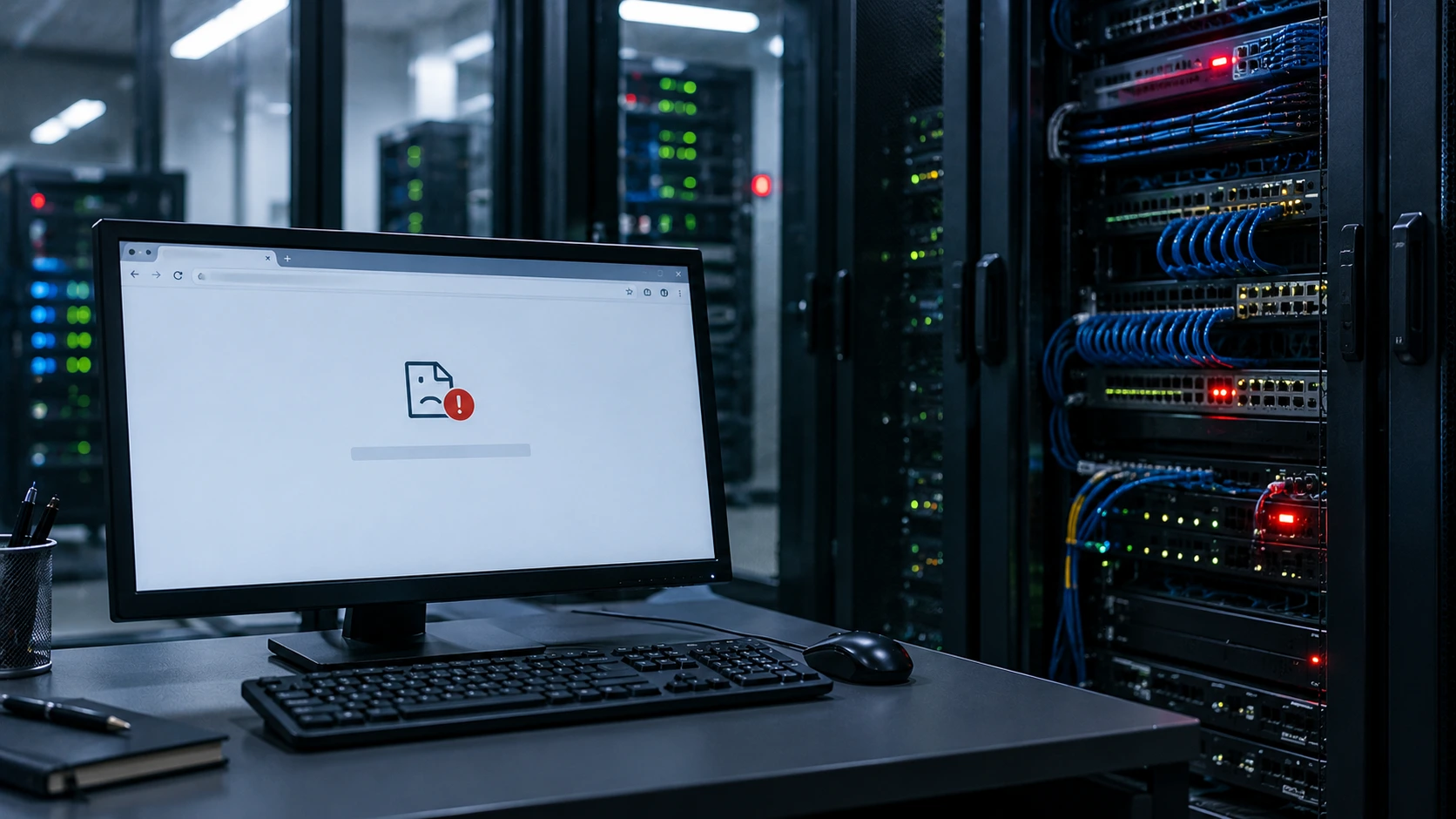
DDoS stands for Distributed Denial of Service. It sounds hard, but the idea is simple. Imagine one million people trying to walk through one shop door at the same time. Real customers cannot get in. The shop is “down”.
A botnet does the same thing to a website. Every bot sends requests at once, and the website crashes or becomes very slow.
Hiding online activity
Criminals can send their internet traffic through your hacked device. Then their crimes look like they came from your home internet connection. This is called a residential proxy botnet.
Stealing information and spreading more malware
Some botnets steal passwords, cookies and bank details. Others install more malware, like ransomware. Stolen logins are often used for credential stuffing attacks, and some end up for sale on hidden markets. Read what is infostealer malware and is it safe to go on the dark web? to learn more about that side of the internet.
Botnet vs virus vs ransomware: what is the difference?
These words are often mixed up. Here is an easy way to tell them apart:
- Malware is any harmful software. It is the big family name.
- A virus is one type of malware that spreads by attaching itself to files.
- Ransomware locks your files and asks for money to unlock them.
- A botnet is not one program. It is the group of devices that malware has taken over and connected together.
So when someone asks “what is a botnet compared to a virus?”, think of it this way: the virus is the key that breaks in, and the botnet is the army of broken-into devices.
Botnets and ransomware often work together. A botnet can be the first step that lets a ransomware gang into a company. Read how ransomware gangs work and what an initial access broker is to see how criminals pass access along.
Real botnet takedowns: what happened?
Botnets are not just in movies. Police and security experts around the world work together to shut them down. Here are three real examples.
1. Qakbot: disrupted in 2023
In August 2023, the FBI and partners in other countries took action against Qakbot. It had infected more than 700,000 computers and helped criminals spread ransomware. The FBI redirected Qakbot’s traffic and sent a special file that disconnected infected computers from the botnet. Read the official Qakbot takedown announcement.
2. 911 S5: dismantled in 2024
In May 2024, the U.S. Department of Justice announced it had taken down 911 S5. The FBI Director called it “likely the world’s largest botnet ever.” It was linked to more than 19 million IP addresses in nearly 200 countries. Criminals rented the hacked home computers to hide their identity while committing fraud. Its alleged operator was arrested in Singapore. See the Justice Department’s 911 S5 announcement.
3. Sality: disrupted in 2026
In August 2026, an international operation supported by Europol disrupted the Sality botnet. Sality was a peer-to-peer botnet that had been active for about 20 years and was linked to more than 11 million infected IP addresses. Read Europol’s Sality announcement.
You can find more big police operations in our list of major dark web takedowns.
What are the signs your device is part of a botnet?
Botnet malware is built to hide, which is why many people never ask “what is a botnet” until something goes wrong. Still, a few clues can show up:
- Your computer or phone is much slower than usual.
- Your internet is slow, even when no one is using it.
- The device fan runs loudly or the battery drains fast for no reason.
- Friends get strange emails or messages from your accounts.
- You see apps or programs you did not install.
- Your router’s lights blink a lot, even late at night.
- Your internet provider sends a warning about unusual activity.
One clue alone does not prove anything. But if you see several, it is worth checking your devices.
How to protect your devices from botnets: 7 simple steps
Now that you know the answer to “what is a botnet”, here is the good news. A few simple habits stop most botnet infections:
1. Turn on automatic updates
Updates fix security holes. Turn on automatic updates for your phone, computer, browser and apps.
2. Change default passwords
Change the password on your router, cameras and smart devices. Use a long, unique password for each one.
3. Turn on two-factor authentication
Two-factor authentication (2FA) adds a second lock, like a code on your phone. Even if a botnet steals your password, it cannot get in without the code.
4. Be careful with links and downloads
Only download apps from official app stores and trusted websites. Do not click links in surprise messages.
5. Secure your home router
Your router is the front door to your home network. Update its firmware, change the admin password and turn off remote management if you do not use it.
6. Use trusted security software
Built-in tools like Microsoft Defender on Windows are a good start. Run a scan if something feels wrong.
7. Unplug devices you no longer use
An old camera or tablet that never updates is an easy target. If you do not use it, unplug it or reset it.
For more quick wins, see our 5 most important privacy settings to change today. The U.S. cybersecurity agency’s Secure Our World program also has easy tips for families.
What to do if you think your device is in a botnet
- Disconnect from the internet to stop the device from talking to the criminals.
- Run a full security scan and remove anything it finds.
- Update everything: the system, apps and router.
- Change your passwords from a different, clean device.
- Reset smart devices or routers to factory settings if they act strangely, then set a new password.
- Check if your email was leaked. Our guide on how to check if your email was in a data breach takes two minutes.
The FTC has a simple guide on how to protect against, detect and remove malware. If your personal details have spread online, our guide on how to remove personal information from the internet can help.
Questions people ask
Is a botnet the same as a virus?
Not exactly. A virus is one kind of malware. A botnet is a group of devices that malware has infected and connected together. The malware is the tool. The botnet is the army it builds.
Can a smart camera or router become part of a botnet?
Yes. Cameras and routers are some of the most common botnet targets because people rarely update them or change their passwords.
Can a botnet steal my personal information?
Yes. Some botnet malware steals passwords, browser cookies and bank details from infected devices.
How do I remove a botnet infection from my computer?
Disconnect from the internet, run a full security scan, install all updates and change your passwords from a clean device. If problems continue, ask a trusted repair shop for help.
What is a botnet in simple terms for kids?
A botnet is like a group of toys that a stranger secretly controls with one remote. The toys still look normal, but the stranger can make them all do something at the same time.
Can a botnet attack my website?
Yes. Botnets are often used for DDoS attacks that flood websites with traffic. Many hosting companies and services like Cloudflare offer DDoS protection.
Are botnets always used for crime?
Botnets built from hacked devices are illegal. Some companies run large networks of their own computers for legal jobs, but those are not called botnets because the owners agreed to it.
Helpful links and trusted sources
- DeepHiDX: what is infostealer malware?
- DeepHiDX: what is credential stuffing?
- DeepHiDX: is it safe to go on the dark web?
- DeepHiDX dark web glossary
- U.S. Department of Justice: Qakbot takedown
- U.S. Department of Justice: 911 S5 botnet dismantled
- Europol: Sality botnet disrupted
- FTC: protect against, detect and remove malware
- CISA: Secure Our World
- DeepHiDX: our sources and research
The short version
Here is everything above in a few lines you can share with a friend.
What is a botnet? It is a group of hacked devices that one criminal controls from far away, like puppets on strings.
Devices get trapped through bad links, old software and default passwords. Criminals then use them to send spam, crash websites, hide their tracks and steal data.
The fix is simple: update your devices, change default passwords, turn on 2FA and unplug what you do not use. Small habits keep your devices out of a criminal’s army.


Comments