


By Ehtijad Ali
Updated: October 2026
Reading time: about 9 minutes

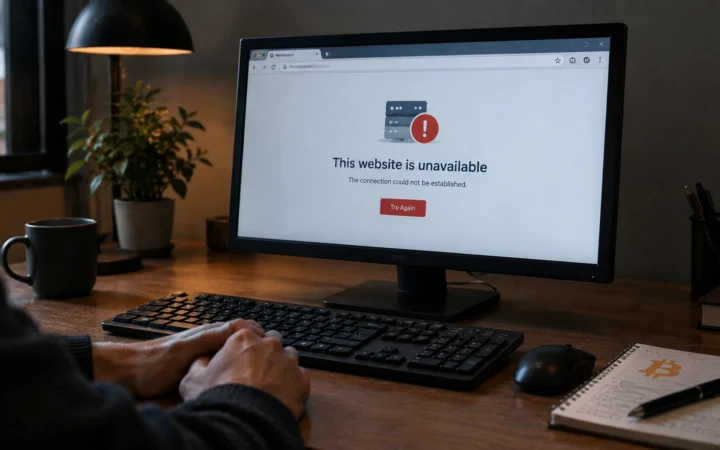
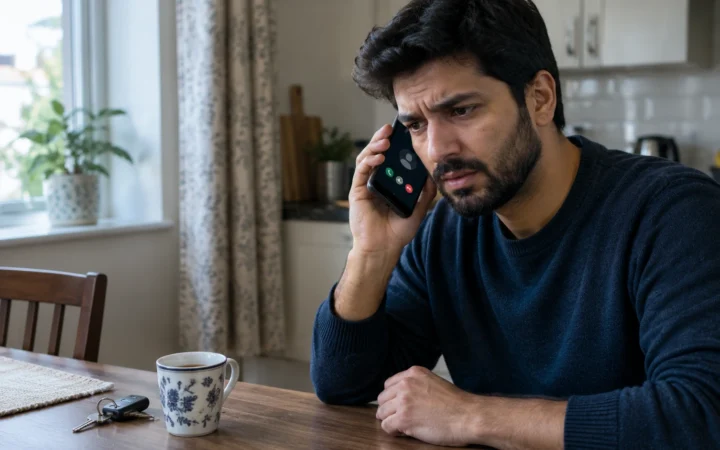
Imagine picking up your phone and seeing no signal. You restart it, but nothing changes. You cannot receive calls or text messages, even though your phone worked fine a few minutes ago.
Sometimes, this is just a network problem. But it can also be a warning sign of a SIM swap scam.
In this scam, a criminal tricks a mobile phone company into moving your phone number to a SIM card or device they control. They may then use your number to receive text messages, reset passwords, and try to enter your online accounts.
The good news is that you can take steps to protect yourself. This guide explains what a SIM swap scam is and how criminals do it. You will also learn the warning signs and how to protect your phone number.
What Is in This Guide?
What Is a SIM Swap Scam?
A SIM swap scam is a type of fraud. A criminal takes control of your phone number by moving it to another SIM card or device without your permission.
A SIM card connects your phone to your mobile network. It helps your phone make calls, send text messages, and use mobile data.
In a SIM swap scam, the criminal does not need to steal your physical phone. Instead, they try to convince your mobile company that they are you. If the company approves the change, your number may start working on their device instead.
This is different from someone simply stealing your phone. The criminal is trying to take control of your phone number, even while your phone is still in your hand.
You may also hear the term SIM swapping. It means the same basic attack. Another related scam is port-out fraud, where someone moves your phone number to a different mobile provider without your permission.
How Does a SIM Swap Scam Work?
Criminals often use stolen personal information and lies to trick mobile phone companies. The attack may happen in a few steps.
- They collect your information. They may look for your phone number, name, email address, or other details through scams, data breaches, or public websites.
- They pretend to be you. The criminal contacts your mobile company or visits a store and claims to be the account owner.
- They request a SIM change. They try to convince the company to move your number to a SIM card or device they control.
- Your phone may lose service. If the transfer succeeds, your SIM may stop working for normal calls and messages.
- They target your online accounts. The criminal may try to reset passwords or receive text message verification codes sent to your number.
How can they get a company to approve the request? They may use stolen personal details, fake documents, social tricks, or other dishonest methods. In some cases, a dishonest worker may help them.
The FBI has warned about criminals who trick mobile company staff into moving a victim’s phone number. You can read its official warning about SIM swap scams.
Why Do Criminals Want Your Phone Number?
Your phone number may be connected to more accounts than you realize. You might use it for email, social media, shopping, banking, or password recovery.
Some websites send a login code by text message. Others let you reset a password using your phone number. If a criminal takes control of your number, they may be able to receive those messages.
For example, imagine that your email account lets you reset your password using a text message. A criminal who controls your number may try to reset that password and then use your email to access other accounts.
This does not mean that every SIM swap gives a criminal access to your bank or email. They may still need other details, passwords, or security checks. However, taking control of your number can make it easier to attack accounts that rely on text messages.
To learn about other ways criminals use stolen account details, read our dark web glossary.
Warning Signs of a SIM Swap Scam
Knowing the warning signs can help you act quickly. Watch for these changes:
- Your phone suddenly loses service. You cannot make normal calls or receive text messages, even where you usually have a strong signal.
- You receive an unexpected SIM change alert. Your mobile company tells you that a SIM change or number transfer was requested or completed.
- You receive login codes you did not request. These may be messages for email, banking, or social media accounts.
- You cannot log in to an important account. Your password may have been changed, or your recovery details may no longer work.
- You see strange account activity. There may be unfamiliar login alerts, password reset messages, or payments you did not make.
Important: Losing your signal does not always mean someone has stolen your number. Network outages, damaged SIM cards, and phone problems can cause similar issues. But if your service stops suddenly and you also receive a SIM change alert or unexpected login codes, treat it as urgent.
What to Do If Your Phone Suddenly Has No Service

If you think someone has taken your phone number, act right away. Do not wait a few days to see if it fixes itself. Take these steps as soon as possible.
Step 1: Contact Your Mobile Company
Use the company’s official website, support number, or store. If your phone cannot make calls, use another phone or a trusted internet connection.
Tell the company that you suspect a SIM swap. Ask it to check for recent SIM changes or number transfers, block unauthorized changes, and help restore your number. Ask whether your account needs extra security.
Step 2: Secure Your Email Account
Your email account is important because it may be used to reset passwords for other services. From a safe device, change your email password if you suspect someone has accessed it. Sign out unknown sessions and check that your recovery phone number and email address are still yours.
Step 3: Protect Your Bank and Other Accounts
Contact your bank if you see strange activity or believe your financial accounts may be at risk. Ask it to review recent transactions and secure your account. Change passwords for other important accounts, especially if you reused the same password.
Step 4: Save Evidence and Report the Scam
Keep text messages, emails, account alerts, and records of calls with your mobile company. Report the incident to the relevant authorities in your country. In the United States, you can file a report through the FBI Internet Crime Complaint Center.
Acting quickly may help you regain control and limit further damage.
A Simple Story: How a SIM Swap Scam Happens
Here is a short story that shows how a SIM swap scam can happen in just one evening. Omar is watching a movie when his phone suddenly shows No Service. He thinks the network is down, so he goes to bed.
But the network was not down. A criminal had called Omar’s mobile company, pretended to be him and asked for a new SIM card. Now every text sent to Omar’s number goes to the criminal’s phone instead.
That night, the criminal clicks “Forgot password” on Omar’s email. The reset code arrives by text, so the criminal gets it. Next, they use the email to reset his bank login.
The next morning, Omar sees a strange login alert and calls his mobile company from a friend’s phone. The company stops the swap, and Omar changes his passwords. He then sets an account PIN and switches to an authenticator app, so this cannot happen so easily again.
The lesson is simple: if your phone suddenly has no service and you did not cause it, act fast.
Normal Network Problem or SIM Swap? A Quick Check
Losing signal does not always mean a scam. Use this table to tell the difference.
| What you notice | Probably a normal network problem | Could be a SIM swap scam |
|---|---|---|
| Who has no signal | Friends nearby on the same network also have no signal | Only your phone, while others work fine |
| Messages from your mobile company | An outage notice, or nothing | An alert that your SIM or eSIM was changed |
| Restarting your phone | Signal comes back after a while | Still shows No Service or “SIM not valid” |
| Your accounts | Nothing strange | Password reset emails or login codes you did not ask for |
If anything in the right column matches, treat it as an emergency and follow the steps above.
How to Protect Yourself From SIM Swap Scams
You cannot control what a criminal does. But you can make it much harder for them to take your phone number.
1. Set a PIN or Password With Your Mobile Company
Ask your mobile company if it offers an account PIN, extra ID checks or a security password. These protect changes to your account. Choose a PIN that is hard to guess and do not share it with anyone who contacts you unexpectedly.
This is not always the same as the PIN used to unlock your SIM card. Ask your provider which protection it offers for SIM changes and number transfers.
2. Turn On Number Transfer Protection
Some mobile companies offer a port-out lock or number transfer lock. This feature can help stop someone from moving your number to another provider without the required approval.
Contact your provider to ask whether it offers this feature and how to turn it on. The name and steps can vary by company and country.
3. Use an Authenticator App Instead of Text Codes

Two-factor authentication, also called 2FA, adds another security step when you log in. Text message codes are better than using no extra protection, but they can be exposed during a SIM swap.
Where possible, use an authenticator app or a security key for your important accounts. An authenticator app can create login codes on your device without sending them through your mobile network. A security key or passkey can provide even stronger protection against fake login pages, depending on the service.
Read the official CISA guidance on stronger login protection to learn more about safer ways to sign in.
4. Use Strong, Different Passwords
Use a different password for your email, banking, and social media accounts. If one password is stolen, criminals should not be able to use it to enter your other accounts.
A password manager can help you create and save strong passwords. For more tips, see our online privacy settings guide.
5. Keep Personal Details Private
Think before sharing your phone number, date of birth, address, or other personal details online. Criminals may use these details to pretend to be you. Never share a login code with someone who calls or texts you out of the blue. This is true even if they say they work for your mobile company or bank.
Also watch for warnings about new SIM changes or number transfers. If your provider offers security alerts, turn them on.
Why Text Message Codes Can Be Risky
Many people use text messages to prove that they own an account. A website sends a code to your phone, and you enter it to sign in. This is simple, but it depends on your phone number staying under your control.
If a criminal takes control of your number, they may receive codes meant for you. That is why security experts recommend stronger login methods when they are available.
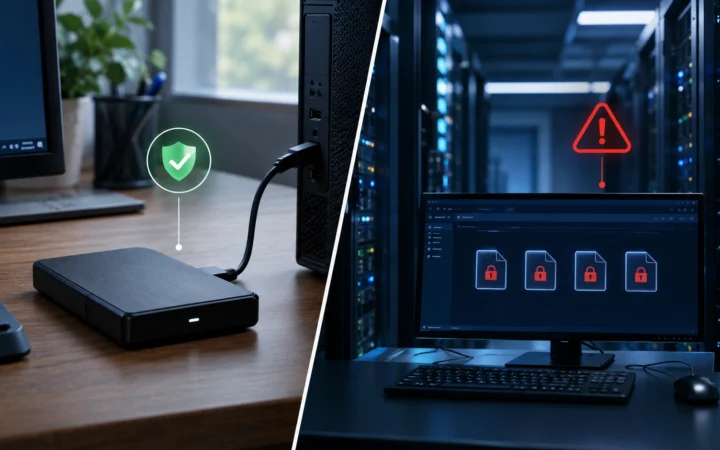
- Text message codes: Easy to use, but can be at risk during a SIM swap.
- Authenticator apps: Generate codes on your device and are not affected by a phone number transfer in the same way.
- Passkeys or security keys: Can offer stronger protection against fake login pages and are good choices when a service supports them.
No method removes every risk. Keep your devices updated and protect your recovery options. Use the strongest login method you can for your most important accounts.
Your Simple Safety Checklist
- Set an account PIN or extra security check with your mobile company.
- Ask about number transfer locks and SIM change alerts.
- Use an authenticator app, passkey, or security key where possible.
- Use strong, unique passwords for important accounts.
- Keep your email and banking recovery details up to date.
- Never share unexpected login codes with anyone.
- Contact your provider quickly if your phone suddenly loses service and you suspect fraud.
Questions People Ask
Can someone steal my phone number without my phone?
Yes. In a SIM swap scam, a criminal may trick your mobile company into moving your number to a SIM card or device they control. They do not need to take your physical phone.
Does losing phone service mean I have been SIM swapped?
No. Network problems, damaged SIM cards, and service outages can also cause a loss of signal. But if service stops suddenly and you get a SIM change alert or strange account codes, call your provider right away.
Can a SIM swap scam empty my bank account?
It is possible, but it is not automatic. A criminal may use your number to try to enter financial accounts or reset passwords. Contact your bank quickly if you suspect an attack or notice payments you did not make.
Is a SIM PIN enough to stop a SIM swap scam?
Not by itself. A SIM card PIN protects access to the SIM in certain situations, while a mobile account PIN or number transfer lock may help protect against unauthorized account changes. Ask your provider which protections it offers and use more than one security measure.
What should I do first if my number has been stolen?
Contact your mobile provider through an official channel and ask it to restore your number and block unauthorized changes. Then secure your email, banking, and other important accounts, and report any financial loss or suspected crime.
How do I know if my SIM card has been swapped?
Watch for three signs together: your phone suddenly shows No Service, you get a message that your SIM was changed, and you see login codes or password reset emails you did not ask for. If all of these happen, call your mobile company from another phone right away.
Can a SIM swap scam happen with an eSIM?
Yes. With an eSIM there is no plastic card, but a criminal can still trick a mobile company into moving your number to a new eSIM on their phone. The same protections help: an account PIN, number lock and an authenticator app.
How do I protect my phone number from being stolen?
Set a PIN or password on your mobile account, turn on number transfer protection if your provider offers it, and stop using text codes for important accounts. Our guide to the most important privacy settings shows more simple steps.
Helpful Links
These official resources provide more information about SIM swap scams, mobile account safety, and stronger login protection. You can also read our sources and research page to learn how we select information for our articles.
- FBI IC3: Criminals Increasing SIM Swap Schemes
- FBI: SIM Swapping and Safety Tips
- FCC Consumer Complaint Center
- CISA: Stronger Multi-Factor Authentication
- DeepHidX: Dark Web Glossary
- DeepHidX: Dark Web Timeline
- DeepHidX: Online Privacy Settings Guide
- DeepHiDX: How to check if your email was in a data breach
The Short Version
A SIM swap scam happens when a criminal tricks a mobile company into moving your phone number to a device they control. This can put your text messages and some online accounts at risk.
Protect your number with a mobile account PIN and number transfer protection if available. Use an authenticator app, passkey, or security key for important accounts. If your phone suddenly loses service and you suspect a SIM swap, contact your mobile company immediately and secure your accounts.
A few simple security steps today can make it much harder for someone to take control of your phone number tomorrow.

Comments