
By Ehtijad Ali
Updated: October 2026
Reading time: about 11 minutes
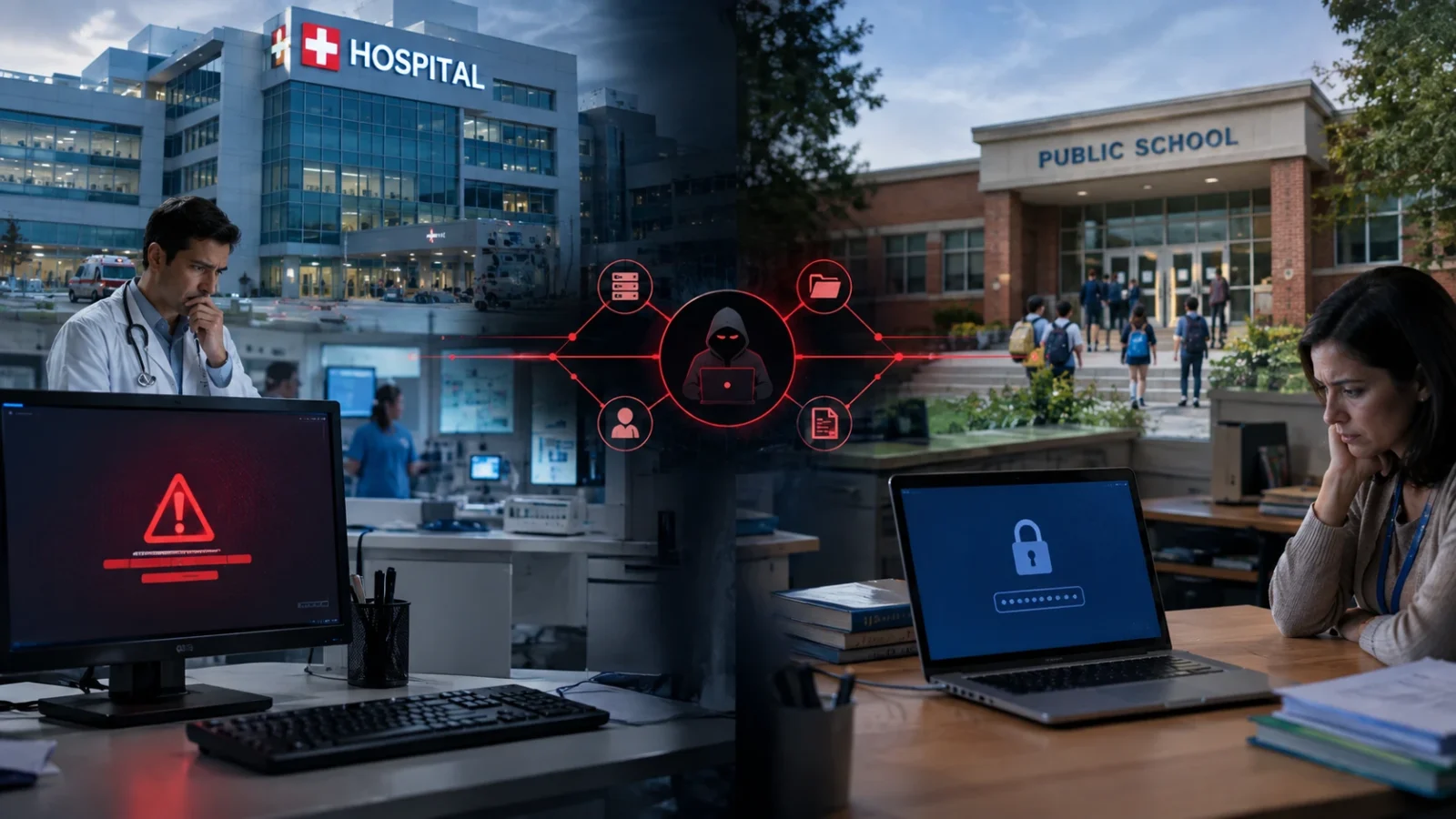
Why do hackers target hospitals and schools? It is a fair question. Hospitals and schools do important work every day, yet both are hit by cyber attacks again and again.
The reason is not simply that hackers want money. Hospitals hold private health records. Schools hold student and family information. Both depend on computer systems every day, and both can have a hard time stopping work when those systems go down.
That makes them useful targets for criminals who use ransomware, stolen passwords, data theft, and other attacks.
In this guide, we explain why hackers target hospitals and schools, what happened in several 2026 cases, why paying a ransom does not always solve the problem, and what parents, students, and patients can do to protect themselves.
What is in this guide?
Why do hackers target hospitals and schools?
There is no single reason. Hackers look for places where an attack can cause a lot of damage or where stolen information can be useful.
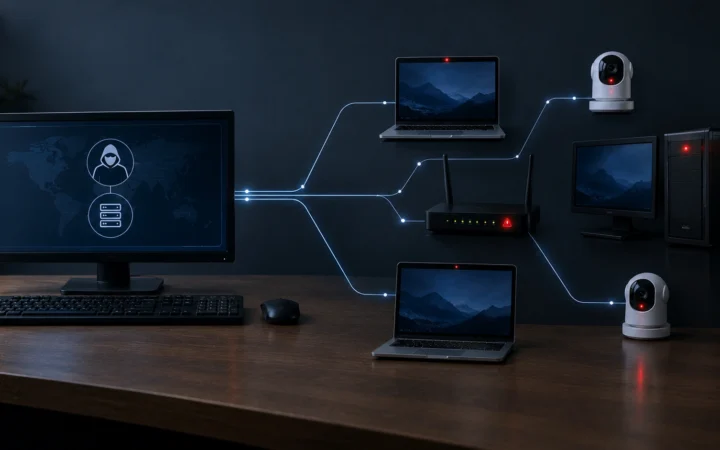
Hospitals and schools have several things that criminals like: large amounts of personal data, many users, many computer systems, outside vendors, and services that cannot simply stop for a week.
A hospital still needs to treat patients during a cyber attack. Doctors need records. Nurses need medicine information. Billing teams need to send claims. Emergency services cannot just wait until the computers are fixed.
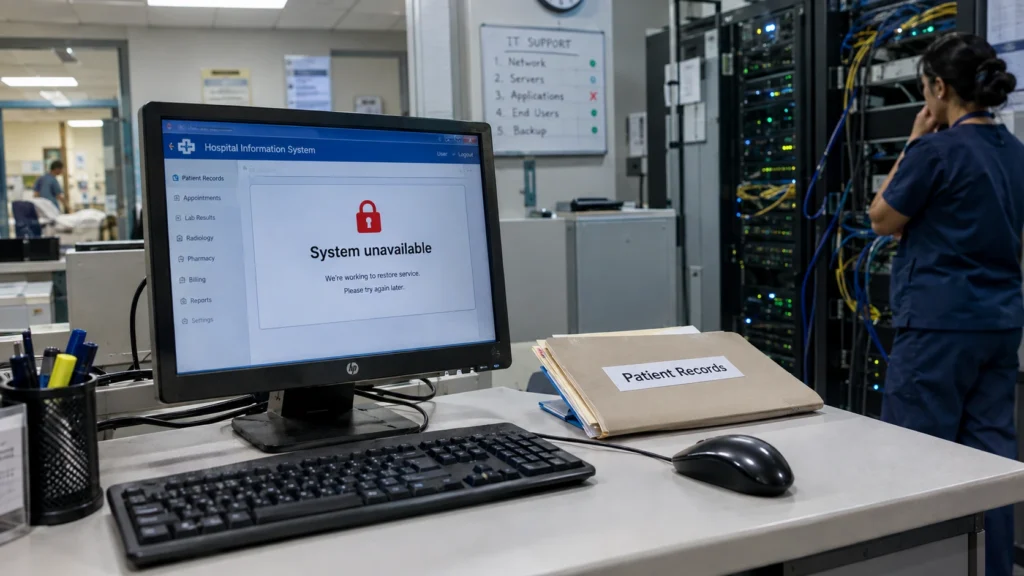
Schools have a similar problem. Students still need classes, teachers still need learning systems, and parents still need school information. If a school platform goes offline, normal work can become very difficult.
Hackers look for pressure points.
This is one of the biggest answers to the question, “why do hackers target hospitals and schools?” Criminals know that a hospital or school may feel pressure to restore its systems quickly.
That pressure can make a victim more likely to consider paying a ransom. It can also make an organization more willing to contact the attacker instead of taking a longer recovery path.
Old systems and small security budgets
Another reason hospitals and schools are attractive targets is simple: some of their computer systems are old.
Replacing an old system is not like replacing a home laptop. A hospital may have medical equipment, patient databases, billing software, pharmacy systems, and other tools connected to it.
Schools can have the same problem with old computers, servers, student databases, cameras, classroom systems, and learning platforms.
Security updates are also important. CISA keeps a Known Exploited Vulnerabilities Catalog because criminals actively use some known software weaknesses. CISA also warns that healthcare organizations can face risks from unsupported software, old operating systems, weak configurations, and known exploited vulnerabilities.
This does not mean every hospital or school has poor security. It means that large systems are difficult to protect, especially when they contain many old and new parts.
Why are patient and student records so valuable?
A stolen credit card can often be cancelled. A medical record is different.
A patient record may contain a person’s name, address, date of birth, health insurance information, medical history, diagnosis, treatment information, and other details.
Some healthcare billing files can contain several types of information together. A 2026 breach involving medical billing company MCBS was reported to HHS as affecting more than 1.26 million people. The information potentially included names, addresses, Social Security numbers, dates of birth, health insurance information, and medical information.
Student records can also be useful to criminals. Depending on the system, they may include names, email addresses, course information, enrollment details, messages, and other personal information.
This is why a data breach can remain a problem long after the original attack ends. A password can be changed. Some personal information cannot be changed at all.
If you want to understand common terms used in these attacks, our dark web and cybercrime glossary explains terms such as ransomware, double extortion, and leak sites in simple language.
What happened in 2026?
Several incidents in 2026 show why healthcare and education remain important targets.
Below are three examples that show why hospitals and schools get hit. For a full list of this year’s biggest incidents, see our guide to the biggest data breaches of 2026.
A medical billing company exposed patient information.
In June 2026, the U.S. Department of Health and Human Services listed an incident involving MCBS, a medical billing and practice management company. The HHS record listed 1,261,464 affected people and classified the incident as a hacking or IT incident involving a network server.
This case shows an important part of modern healthcare security: patients do not always have to deal directly with the company that holds their information.
A hospital, clinic, or medical office may use another company for billing, claims, software, or other services. If that outside company is attacked, patient information can also be at risk.
A large healthcare technology attack affected millions.
Another 2026 healthcare case involved Unlimited Technology Systems. HHS records listed 3,803,750 affected people in a hacking or IT incident reported in July 2026.
Published breach notices said the company provided practice management and healthcare technology services. The potentially affected information included personal and health-related information.
Again, the lesson is clear: a patient may never have heard of the company that stores or processes their information.
The Canvas attack showed the school side.
In 2026, the Canvas learning platform also faced a major cybersecurity incident. Canvas is used by schools, colleges, and universities.
Instructure, the company behind Canvas, said it detected unauthorized activity on April 29, 2026. On May 7, the same threat actor gained access through another vulnerability. Canvas was temporarily taken offline while the company investigated and added security measures.
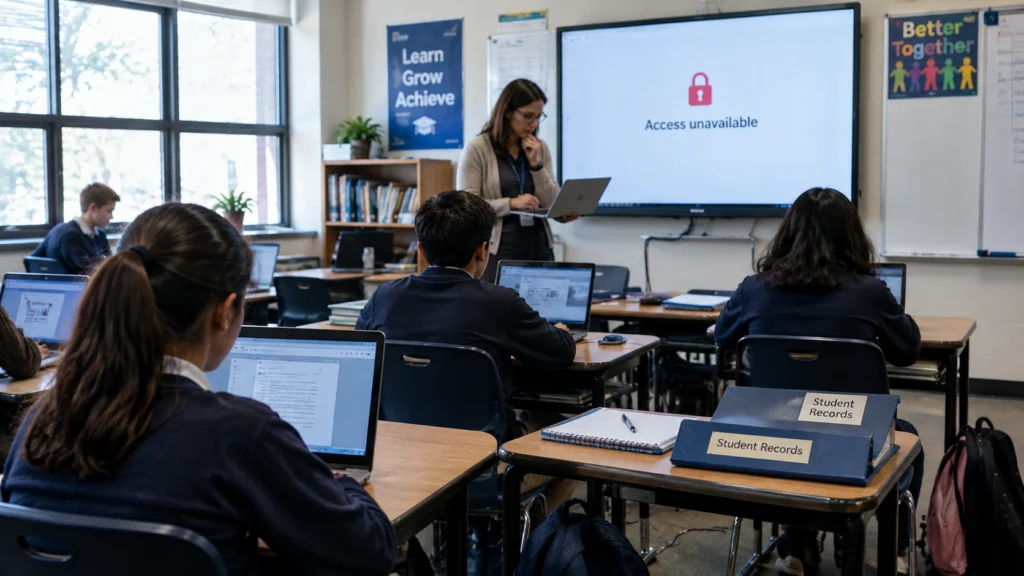
The U.S. Department of Education said the incident involved information such as usernames, email addresses, course names, enrollment information, and messages. Instructure later said it was working through a detailed review of the affected data.
This is a good example of why school cyber attacks do not always start inside a school. A school can use an outside platform, and a problem at that company can affect many schools at once.
Why paying a hacker does not always fix the problem
Some ransomware groups promise to give back access after payment. But paying does not guarantee that everything will return to normal.
First, criminals may already have copied the data. A payment cannot make that data disappear from every computer or server where someone may have saved it.
Second, the attacker may not provide a working recovery key. Even if a key works, restoring a large hospital or school system can take a long time.
Third, attackers may ask for more money. This is one reason some groups use double extortion: they threaten to publish stolen data as well as block access to systems.
HHS has continued to take ransomware seriously. In April 2026, its Office for Civil Rights announced settlements from four ransomware investigations involving more than 427,000 individuals. HHS has also said that proper risk analysis is an important part of reducing ransomware risk in healthcare.
To see how these criminal groups are organized, read How Do Ransomware Gangs Work? You can also look up words like double extortion and leak sites in our cybersecurity glossary.
What can parents and patients realistically do?
You cannot control the security system of a hospital, school, or software company. But there are still useful things you can do.
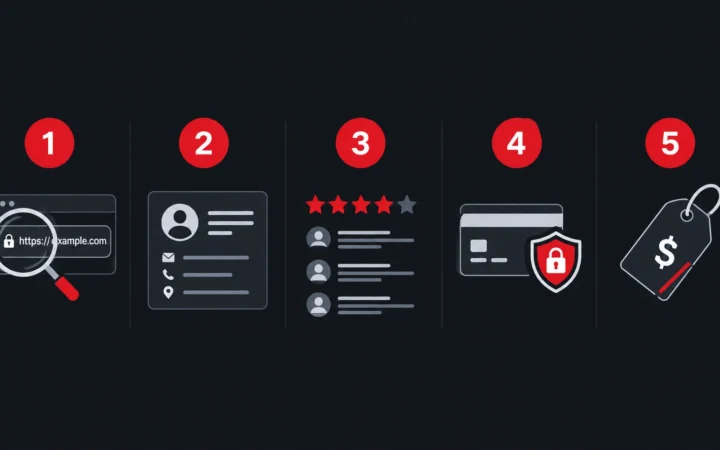
1. Use a different password for every important account.
Do not use your school password for your email. Do not use your email password for shopping or banking. If one password is stolen, attackers often try it on other websites.
2. Turn on two-factor authentication.
Two-factor authentication, also called 2FA, adds another step after your password. The extra step can help protect your account if your password is stolen.
The U.S. Federal Trade Commission explains how to use two-factor authentication on important accounts.
3. Be careful with breach emails.
After a big cyber attack, scammers may send fake emails saying your information was stolen. They may ask you to click a link and log in.
If you already clicked a link in one of these messages, do not panic. Our guide What Happens If I Click a Phishing Link? shows the steps to take right away.
Do not rush. Open the hospital, school, or company website yourself instead of clicking an unexpected security link.
4. Watch for official notices.
If an organization believes your information was affected, it may contact you by mail, email, or through an official website. Check the sender carefully and use contact information from the organization’s real website.
Also be careful with rumors. During a big attack, fake screenshots and scary posts often spread on social media, such as a “leaked” patient list or a fake school closure notice. Before you believe or share them, check them with the steps in How to Verify a Viral Photo in 5 Minutes.
5. Ask what information a service really needs.
When possible, avoid giving extra personal information to websites and services that do not need it. The less information stored about you, the less information there is to lose in a breach.
Your simple safety checklist
- Use a different password for every important account.
- Turn on 2FA for email, banking, school, and other important accounts.
- Keep your phone, computer, browser, and apps updated.
- Do not open unexpected links or attachments.
- Be careful with messages about a data breach.
- Check official notices from your school, hospital, or healthcare provider.
- Do not share more personal information than a service needs.
- Use a password manager if you have many passwords.
Hard words made simple
Cybersecurity news uses many big words. Here is what the most common ones mean:
- Hacker: a person who breaks into computers or accounts without permission.
- Ransomware: harmful software that locks files or computers. Criminals then ask for money, called a ransom, to unlock them.
- Data breach: when private information, like names or health records, is seen or stolen by someone who should not have it.
- Double extortion: when criminals lock the files and threaten to post the stolen data online unless they get paid.
- Vendor: an outside company that a hospital or school pays to run a service, like billing or a learning website.
- 2FA (two-factor authentication): a second check, like a code on your phone, that proves it is really you logging in.
Questions people ask
Why are hospitals targeted by hackers?
Hospitals have valuable patient information and depend heavily on computer systems. A cyber attack can also interrupt important work, which can put extra pressure on the organization to restore systems quickly.
Why do hackers target schools?
Schools hold student and staff information and use many connected systems. They also depend on learning platforms, email, student databases, and other services. This makes schools useful targets for data theft and ransomware.
Are hospital records worth more than credit card numbers?
They can be very valuable because medical information is detailed and difficult to change. A medical record may contain identity, health, insurance, and treatment information in one place.
Can a school cyber attack affect parents?
Yes. Depending on the systems involved, a school or education platform may store information about students, parents, teachers, and other staff. The exact information depends on the service and the incident.
Does paying ransomware guarantee that stolen data will be deleted?
No. Payment does not give a victim a reliable way to prove that every stolen copy of the data has been deleted. Attackers may also keep copies or make new demands.
What should a student do if the school system is hacked?
First, listen to your teacher and the official school messages. Do not try to fix the problem yourself or log in again and again. If the school asks everyone to change passwords, make a new, strong password that you do not use anywhere else.
Be extra careful with emails and messages for the next few weeks. Criminals sometimes send fake “school IT” messages after an attack to trick students into sharing passwords. If a message feels strange, show it to a parent or teacher before you click anything.
Finally, tell a trusted adult if you see your name, photo, or school details posted somewhere online. They can report it to the school and the website. Remember, a school cyber attack is never your fault. The more quickly you speak up, the more quickly adults can protect you and your classmates.
What should I do if my hospital or school says my data was exposed?
Read the official notice carefully. Find out what information was involved. Change any affected password if needed, turn on 2FA, watch your accounts, and use any free credit or identity monitoring offered by the organization.
Helpful links and sources
These sources were used to check the facts in this article. Official government and company notices are preferred when information about a security incident changes over time.
- U.S. HHS — Healthcare Breach Notification
- HHS OCR — Breach Portal
- HHS — 2026 Ransomware Investigations
- CISA — Known Exploited Vulnerabilities Catalog
- CISA — Healthcare and Public Health Mitigation Guide
- Instructure — Canvas Security Incident Updates
- U.S. Department of Education — Canvas Cybersecurity Alert
- FTC — Two-Factor Authentication
- FTC — How to Recognize Phishing
Related reading
- Dark Web Glossary: Simple Cybersecurity Terms
- Dark Web Timeline and Major Cyber Incidents
- How Do Ransomware Gangs Work? 6 Roles Inside the Ransomware Business
- Biggest Data Breaches 2026: 10 Largest Breaches Explained
- What Happens If I Click a Phishing Link?
- How to Verify a Viral Photo in 5 Minutes
- Cybercrime
- Sources and Research
The short version
So, why do hackers target hospitals and schools? Because they hold useful information and depend on computer systems that cannot easily be switched off.
Hospitals have patient and insurance data. Schools have student and staff data. Both may depend on outside technology companies, old systems, and many connected accounts.
The 2026 incidents show that the problem is not only about one hospital or one school. A single attack on a healthcare or education technology provider can affect many organizations at the same time.
You cannot stop every attack yourself. But strong passwords, 2FA, software updates, careful email habits, and attention to official breach notices can make your own accounts harder to abuse.
The best defense is not panic. It is knowing what can happen and taking simple steps before something goes wrong.


Comments