

By Ehtijad Ali
Updated: October 2026
Reading time: about 11 minutes
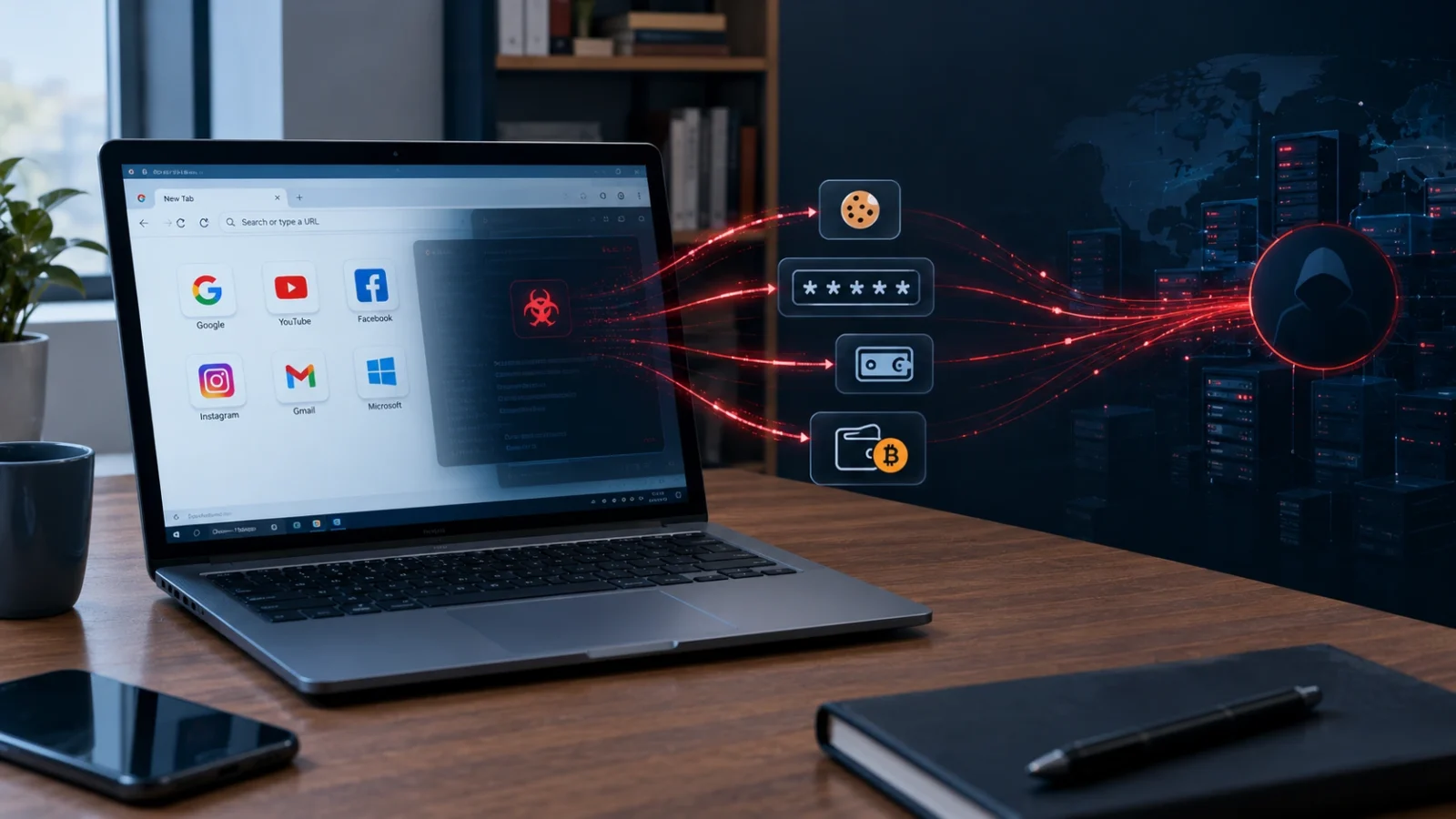
Session hijacking is when a criminal steals the “I am already logged in” ticket from your browser and uses it to walk into your account. They do not need your password. Often, they do not even need your two-step login code.
It sounds scary, but it is easy to understand, and there are simple ways to protect yourself. This guide explains what a session is, how criminals steal it, why two-step login does not always stop them, and what you can do today.
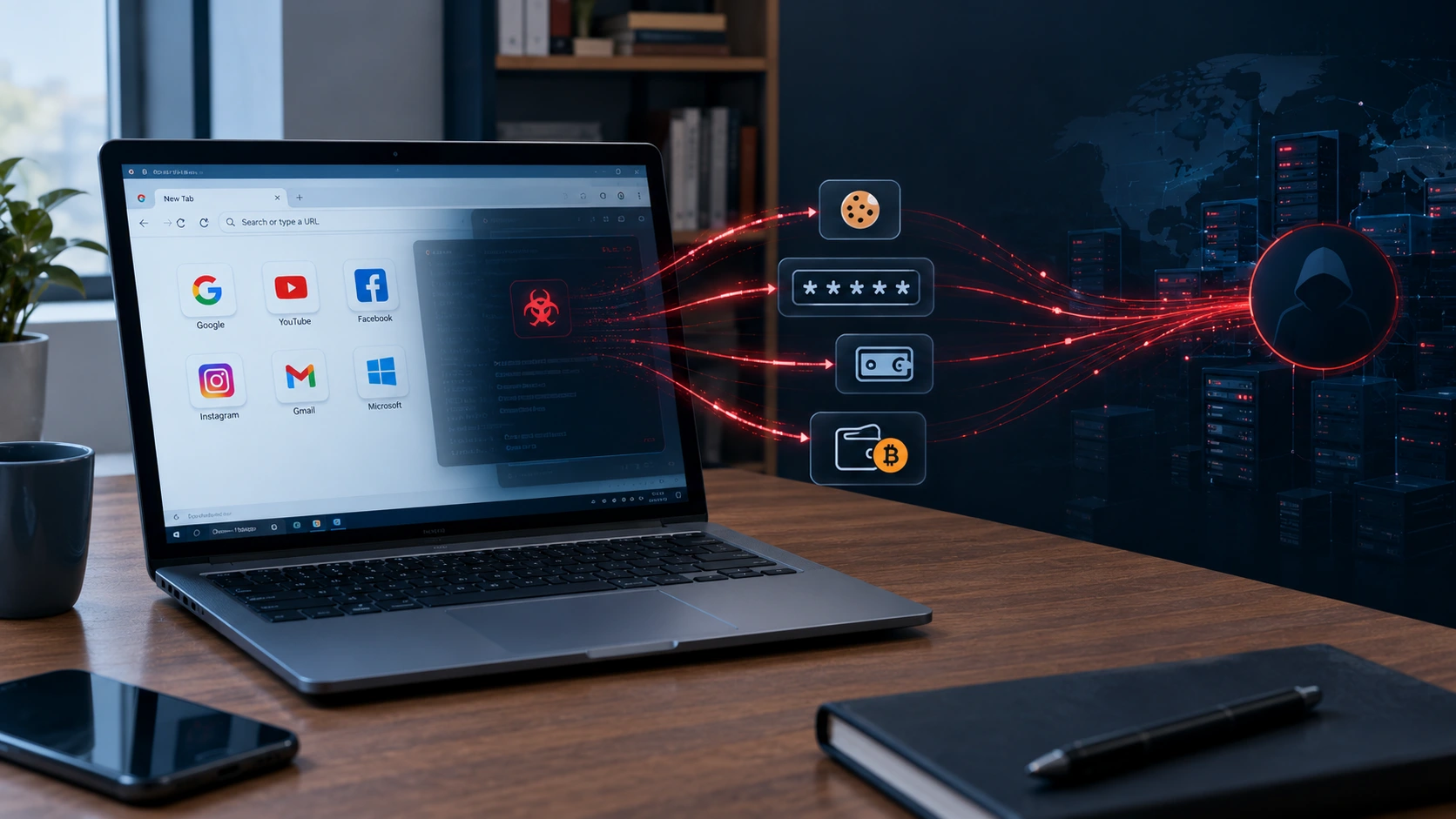
What is session hijacking?
Think about a theme park. At the gate, you show your ticket and ID. Then staff put a wristband on you. For the rest of the day, you just show the wristband. Nobody asks for your ticket again.
Websites work the same way. When you log in with your password (and maybe a code from your phone), the website gives your browser a digital “wristband”. This is called a session. It lets you move around the site without logging in again on every page.
Now imagine someone copies your wristband. They could walk around the park as if they were you. That is session hijacking. The thief “hijacks”, or takes over, your session.
What is a session cookie?
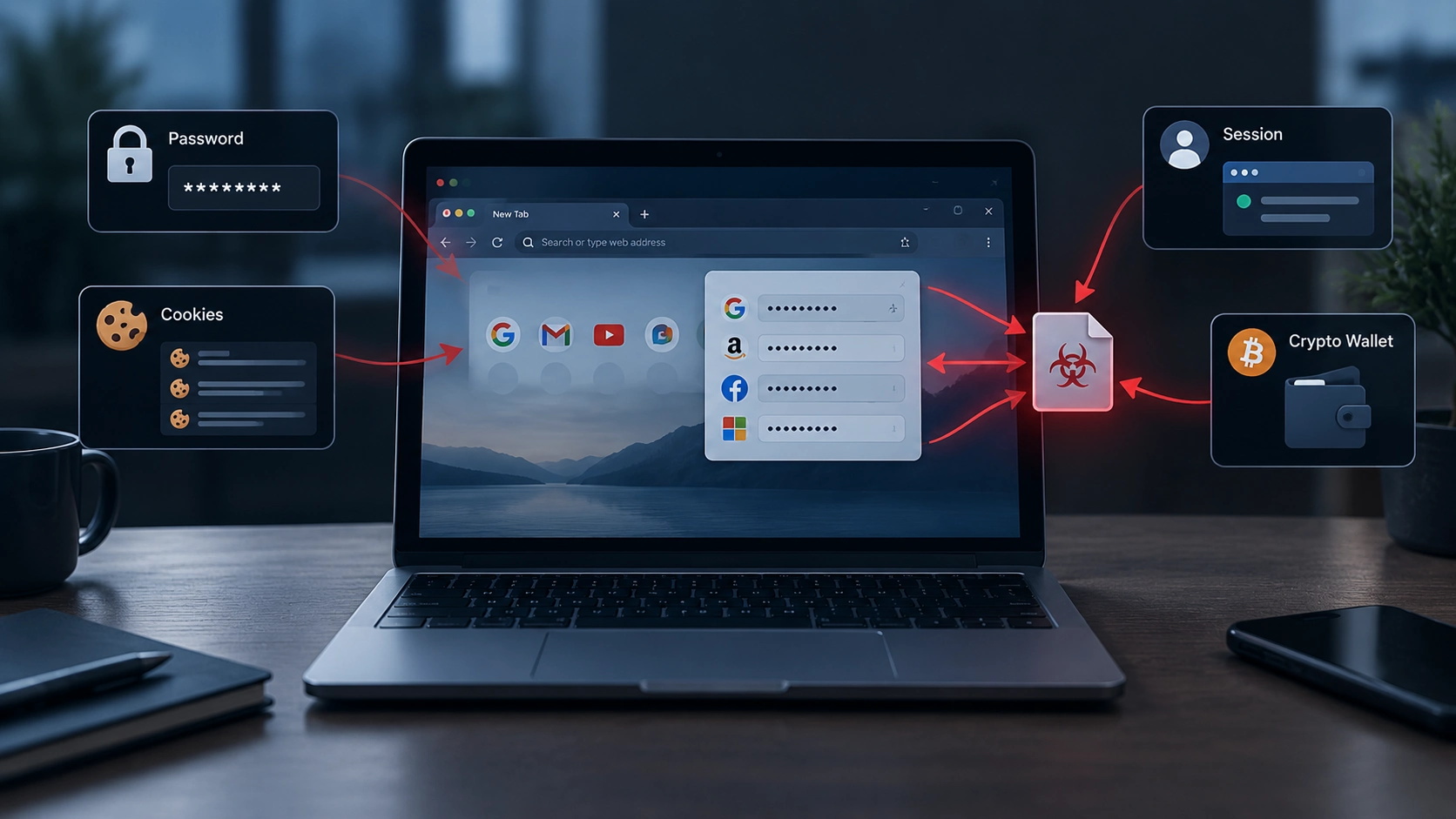
Your digital wristband is usually saved in a cookie. A cookie is a tiny file that a website stores in your browser. Some cookies remember your language or what is in your shopping cart. A session cookie is special, because it proves you are logged in.
Security experts sometimes call it a session token. Different name, same idea: it is the key that keeps you signed in. The security group OWASP explains session hijacking as an attack where someone steals or guesses this key to take over a logged-in session.
How session hijacking works, step by step
Most session hijacking today follows the same four steps:
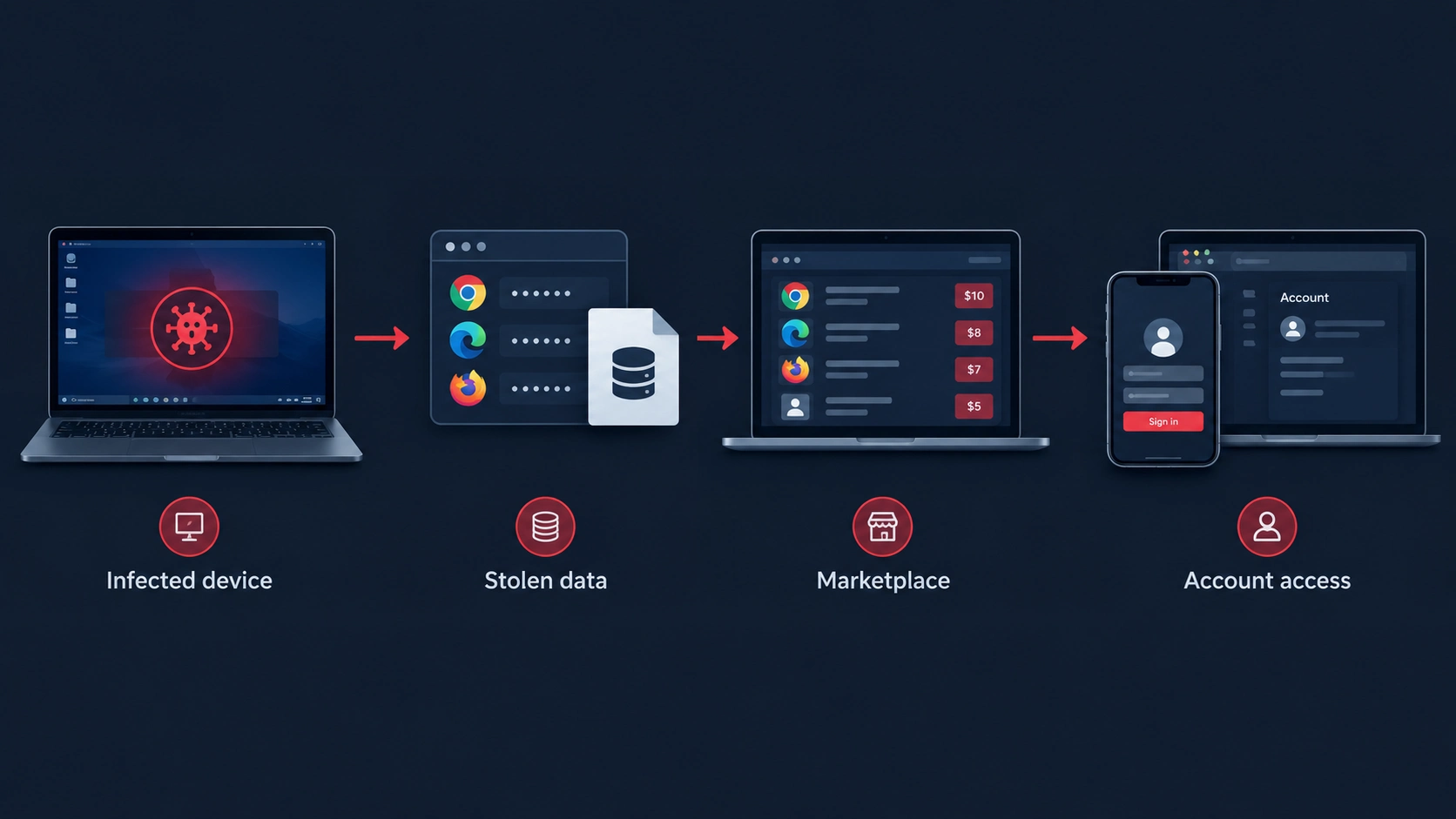
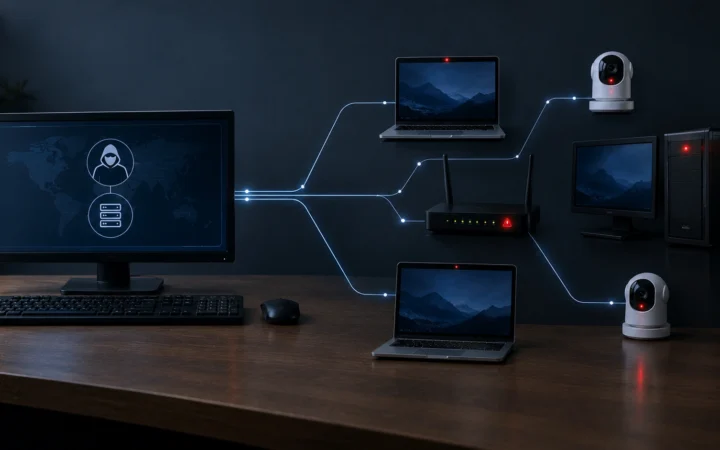
- The device gets infected. Someone downloads a fake app, a cracked game or a bad file. Hidden inside is malware.
- The browser data is copied. The malware grabs saved passwords and session cookies from the web browser and sends them away.
- The data is sold. Criminals sell the stolen sessions in online markets, often for just a few dollars each.
- The buyer walks in. The buyer loads the stolen cookie into their own browser. The website thinks it is you, and opens your account.
The whole thing can happen in hours. And the victim usually sees nothing strange at all.
How do criminals steal session cookies?
There are a few ways. Some are much more common than others.
1. Infostealer malware (the most common way)
This is the big one. Infostealers are programs that quietly copy passwords, cookies and other private data from your computer. They often hide inside cracked software, fake downloads and fake “I am not a robot” pages. We explain them fully in our guide What Is Infostealer Malware?.
2. Fake login pages that pass everything through
Some phishing sites are clever. They sit in the middle between you and the real website. You type your password and your 2FA code. The fake site passes them to the real site, and then keeps the session cookie that comes back. Experts call this an “adversary-in-the-middle” attack.
3. Unsafe websites and networks
Long ago, cookies could be grabbed on public wifi if a website did not use encryption. Today almost every big site uses HTTPS (the little lock in your address bar), so this is much rarer. Bugs in a website can still leak cookies, but that is the website’s job to fix.
Why two-step login does not always stop it
Two-step login, also called 2FA or MFA, asks for a second proof, like a code on your phone. It is great at stopping someone who only has your password.
But here is the catch. The 2FA check happens when you log in. After that, the website trusts your session cookie. If a criminal steals that cookie later, they skip the login step, so they also skip the 2FA step. Microsoft has warned that this kind of token theft is one way attackers get around MFA.
So should you turn 2FA off? Absolutely not. It still blocks a huge number of attacks. The US cyber agency CISA strongly recommends turning it on everywhere. Just know that 2FA works best together with a clean computer and good habits.
Session hijacking vs password theft: what is the difference?
People often mix these two up. Here is the simple difference:
- Password theft steals the key to the front door. The criminal still has to log in, and 2FA can stop them at that point.
- Session hijacking steals the wristband you got after you came in. The criminal skips the front door completely, so the login checks never happen.
- Changing your password usually fixes password theft. With session hijacking, you should also sign out of all devices, because the stolen session may keep working until it is cancelled.
- Both usually start the same way: with malware on your computer or a fake login page.
That is why security experts now say: protect your login, but also protect your logged-in sessions.
A simple story: how Sam lost his channel
This story is made up, but it shows how session hijacking often happens in real life.
- Sam runs a small gaming channel. One day, he gets an email from a “company” that wants to sponsor him. It has a file attached called “contract”.
- Sam opens the file. Nothing seems to happen, so he forgets about it. But the file was hiding malware.
- The malware copies the session cookies from Sam’s browser, including the one for his video account, and sends them to a criminal.
- The criminal loads Sam’s cookie into their own browser. The site thinks it is Sam. No password or 2FA code is needed.
- Within an hour, Sam’s channel name is changed and it starts streaming a crypto scam to his fans.
Sam gets his channel back by contacting the platform and signing out of every session. But the lesson is clear: one bad file can be enough. Never open unexpected attachments, even if the offer sounds exciting.
What can a criminal do with your session?
A stolen session can open almost any account you were logged in to. Here are the most common targets:
- Email. This is the most dangerous. With your email, a criminal can reset the passwords of many other accounts.
- Social media. Hijacked accounts are used to post scams or trick your friends into sending money.
- Shopping sites. Criminals can order things using your saved cards.
- Crypto exchanges. Digital money can be moved out fast, and it is very hard to get back.
- Work accounts. One stolen work session can open the door to a whole company.
- Video channels. Popular YouTube and gaming accounts are hijacked and sold, or used to stream crypto scams.
Stolen accounts are often sold on to other criminals. Our guide What Do Hackers Do With Stolen Data? shows that whole journey.
A real example: Genesis Market
Genesis Market was an online shop for criminals that sold stolen sessions. It opened in 2018. Buyers could pick a victim and download their cookies and device details, then pretend to be that person online.
According to the U.S. Department of Justice, Genesis offered more than 80 million stolen login details, taken from over 1.5 million infected computers. The DOJ said it sold “device fingerprints”, which are mixes of device details and browser cookies that help criminals slip past fraud checks.
In April 2023, the FBI and police from more than 20 countries shut it down in an operation called Cookie Monster. Many of its users were arrested around the world. You can read about other big takedowns in our Dark Web Timeline and in Operation Bayonet.
Even after Genesis closed, the trade did not stop. A lot of it moved into chat apps. Read Telegram Cybercrime: 5 Simple Reasons It Rivals the Dark Web to see how.
How browsers are fighting back
The good news: big tech companies know about this problem and are working on it.
- Locked cookie storage. In July 2024, Google added “App-Bound Encryption” to Chrome 127 on Windows. It makes it much harder for other programs, like infostealers, to read Chrome’s saved cookies.
- Cookies tied to your device. In April 2026, Google turned on Device Bound Session Credentials for Windows in Chrome 146. This ties your session to your own computer’s security chip. A copied cookie stops working on the criminal’s computer. Google says support for Mac is coming next.
- Shorter sessions. Many banks and work apps now log you out after a while, so a stolen session expires faster.
These help a lot, but they are not perfect. Criminals keep looking for new tricks, so your own habits still matter most.
Warning signs your session was hijacked
- You get an email saying “new sign-in from a new device” that was not you.
- Your account shows activity you did not do, like sent messages, new posts or orders.
- Your password, email or phone number in the account settings has changed.
- Friends tell you they got strange messages from you.
- You see your account logged in from a city or country you have never visited.
Most big websites have a page that lists your active sessions or “where you are logged in”. Check it now and then. If you see a device you do not know, act fast.
What to do if your session was stolen
- Log out of all devices. Look for “sign out everywhere” or “end all sessions” in the account settings. This makes stolen cookies useless straight away.
- Change your password. Use a new, strong one that you have never used before.
- Check your recovery details. Make sure the recovery email and phone number are still yours.
- Turn on two-step login if it is not on already. Passkeys and security keys are the strongest.
- Clean your computer. Session theft usually means malware. Run a full scan with a trusted security tool, or reset the device.
- Warn your contacts if the criminal used your account to send messages.
Do steps 1 to 3 from a different, clean device if you can. If the malware is still on your computer, it could steal your new password too.
How to protect yourself from session hijacking
You do not need to be a tech expert. These simple habits block most session hijacking:
- Never install cracked software or game cheats. They are the number one hiding place for cookie-stealing malware.
- Download apps only from official websites or trusted app stores.
- Never paste commands into your computer because a website told you to.
- Keep your browser and computer updated. New versions include protections like the ones Google added.
- Log out of important accounts when you are done, especially on shared computers.
- Use passkeys or a security key where you can. They are much harder to phish.
- Check before you type. Make sure the web address is real before entering a password or code.
- Use a password manager. It will not fill in your password on a fake website. See our glossary for more.
A VPN will not stop session hijacking, because the malware is already on your device. Learn more in Do VPNs Make You Anonymous?.
Read next
- What Is Infostealer Malware? 7 Things It Steals and How to Stay Safe – the malware behind most session hijacking.
- Telegram Cybercrime: 5 Simple Reasons It Rivals the Dark Web – where stolen sessions are traded today.
- How to Check If Your Email Was in a Data Breach – find out if your details are already out there.
Frequently asked questions
What is session hijacking in simple words?
It is when a criminal steals the “already logged in” cookie from your browser and uses it to get into your account, without needing your password.
Can session hijacking bypass 2FA?
Yes, sometimes. 2FA protects the moment you log in. A stolen session cookie skips that moment, so the criminal does not need your code. Keep 2FA on anyway, because it stops many other attacks.
How do I stop a hijacked session?
Go to your account settings and choose “sign out of all devices” or “end all sessions”. Then change your password and clean your computer.
Does logging out protect me?
Yes, it helps. When you log out, the website usually cancels that session, so a stolen copy of the cookie stops working.
Is clearing my cookies enough?
It removes cookies from your own browser, but a criminal’s stolen copy may still work. Use “sign out everywhere” on the website itself to cancel all sessions.
Can session hijacking happen on my phone?
Yes, but it is less common. Most cookie theft happens on computers through malware. Only install apps from official app stores to stay safe.
Who is most at risk?
Anyone who stays logged in to websites can be a target. But people who download lots of free tools, game mods or cheats are hit most often, because that is where cookie-stealing malware likes to hide. Content creators, crypto owners and office workers are also popular targets, because their accounts are worth more money to criminals.
Sources
We used these trusted sources. See how we choose sources on our Sources and Research page.
- U.S. Department of Justice – Genesis Market disrupted in international cyber operation (2023)
- Google Security Blog – Improving the security of Chrome cookies on Windows (2024)
- Google – Protecting cookies with Device Bound Session Credentials (2026)
- Microsoft Security – Token tactics: how to prevent, detect and respond to cloud token theft
- OWASP – Session hijacking attack
- CISA – Turn on multifactor authentication
The short version
Session hijacking means a criminal steals the cookie that keeps you logged in, then uses it to enter your account without your password or 2FA code. It usually starts with malware hidden in cracked software or fake downloads.
Protect yourself by avoiding cracked software, keeping your browser updated, using passkeys, and logging out when you are done. If something looks wrong, sign out of all devices, change your password, and clean your computer.


Comments