

By Ehtijad Ali
Updated: October 2026
Reading time: about 6 minutes
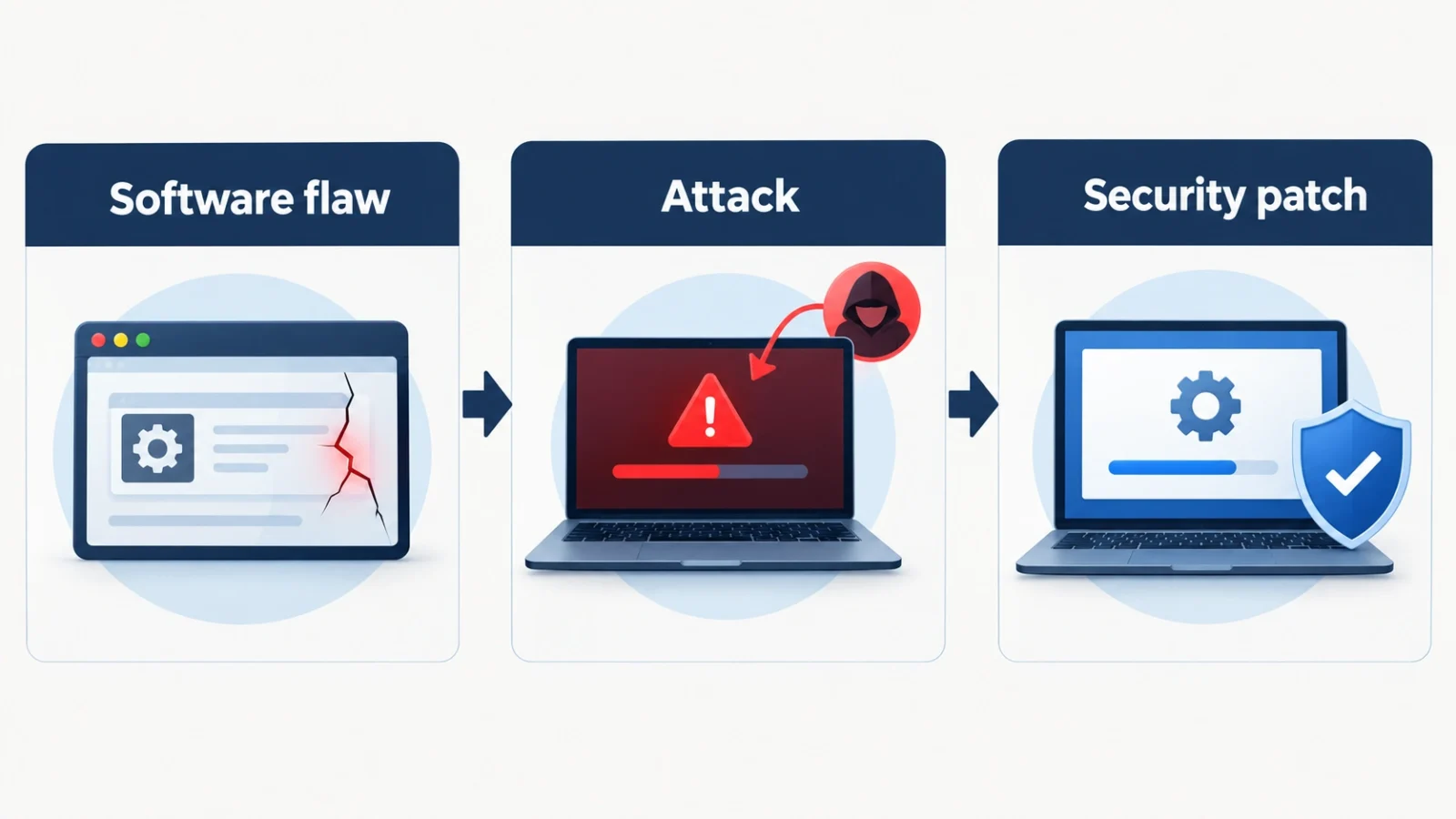
Imagine opening your browser and learning that attackers are exploiting a security flaw in it. The company has not released a fix, so there is no update that can fully close the weakness yet. This is the kind of situation that makes a zero-day exploit especially concerning.
Zero-day attacks can affect browsers, phones, operating systems, business applications, and other software. Some target a small number of people, while others can put many users at risk.
In this guide, we explain what a zero-day exploit means, how these flaws are discovered, what past incidents can teach us, and what you can do to reduce your risk.
What Is a Zero-Day Exploit?
A zero-day exploit is a method used to take advantage of a software or hardware vulnerability in a zero-day situation, before the issue has been adequately addressed. Depending on the flaw, an attacker might use it to access data, run code, or gain control of an affected system.
Three terms are worth understanding:
- Vulnerability: A weakness in software, hardware, or a system.
- Exploit: A method or piece of code that takes advantage of a vulnerability.
- Zero-day attack: An attack that exploits a previously unknown vulnerability.
These terms are connected, but they are not interchangeable. A vulnerability can remain dangerous after it becomes public, especially when users have not installed an available patch. That does not automatically make every later attack a zero-day attack.
For more cybersecurity definitions, visit our dark web glossary.
Why Is It Called Zero-Day?
The name refers to the lack of time available to address a vulnerability before it is exploited. In a typical zero-day incident, the software maker has had no opportunity to prepare and distribute a fix before the attack begins.
For example, a researcher might discover a browser flaw that attackers are already using. The browser company then has to investigate the problem, develop a correction, test it, and release an update. Until an effective fix is available and installed, affected users may remain exposed.
Not every zero-day is immediately known to the public. An attacker might know about a weakness long before the software maker discovers it. The important point is that defenders have little or no time to prepare before exploitation occurs.
How Are Zero-Day Flaws Discovered?
Even software that has been tested can contain hidden security mistakes. Researchers, developers, and attackers may discover them in different ways.
Security researchers
Researchers examine applications, test their behaviour, review code, and use security tools to find weaknesses. When they discover a flaw, they may report it privately to the software maker so that a fix can be developed.
Software developers
Companies also find vulnerabilities through internal testing, independent audits, customer reports, and investigations of suspicious activity. Finding a weakness does not necessarily mean an attacker has already used it.
Attackers
Criminals and other threat actors may search for weaknesses they can exploit before a patch becomes available. Some keep their findings secret, while others attempt to sell access or exploit capabilities to buyers.
Payment alone does not make security research criminal. Bug bounty programmes reward researchers who follow approved testing rules and report findings responsibly. Testing systems without permission or using a flaw to harm others is a different matter.
The UK National Cyber Security Centre provides more background in its guide to understanding software vulnerabilities.
Real Examples of Zero-Day and Software Vulnerability Attacks
Real incidents show why security teams take these weaknesses seriously. They also show why it is important to distinguish a newly exploited flaw from an older vulnerability that remains unpatched.

Log4Shell: A flaw with a wide impact
In December 2021, a critical vulnerability in Apache Log4j, a widely used Java logging library, became public. Known as Log4Shell and tracked as CVE-2021-44228, the flaw could allow remote code execution in affected configurations.
Because Log4j was used in many applications and services, organisations had to identify where it was installed and update vulnerable systems. The incident also showed that a flaw in one shared software component can affect products far beyond the project that originally created it.
Log4Shell is a historical example, not a claim that the flaw is still a new zero-day. Systems that remain unpatched can still be at risk. Read the CISA Log4Shell advisory for technical background and remediation guidance.
Zero-day attacks against Chrome
Browsers are attractive targets because they process websites, scripts, and other content from the internet. Google has published security updates for Chrome vulnerabilities that were exploited in real attacks.
The details differ from one incident to another. A useful habit is to check the official Chrome release announcements rather than relying on social media posts that may be outdated or misleading.
What Happens After a Zero-Day Is Discovered?
Once a software maker learns about a serious flaw, its security team investigates which versions are affected and how the problem can be corrected. The team then develops and tests a fix or other mitigation and publishes instructions for users and administrators.
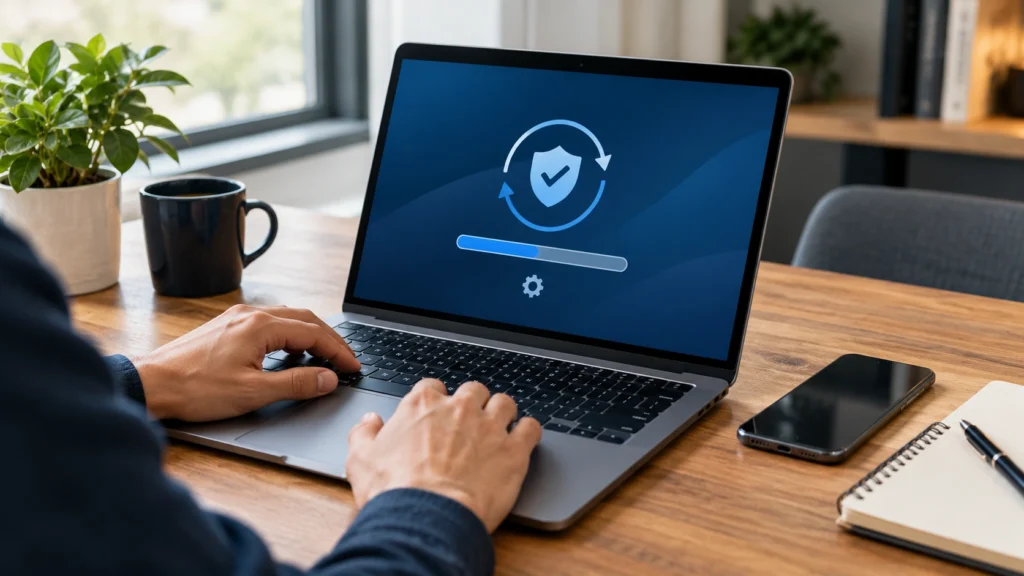
That process does not end when an update is released. Users still need to install it, and organisations may need to check servers, applications, and devices that are not updated automatically.
Attackers also target older vulnerabilities that already have patches. This is why updating software matters even when no new zero-day attack has been reported.
For organisations, the CISA Known Exploited Vulnerabilities catalogue helps identify vulnerabilities with evidence of exploitation and prioritise remediation.
How to Reduce Your Risk
No individual can prevent every zero-day attack. However, a few practical steps can reduce exposure and make recovery easier if something goes wrong.
- Enable automatic updates. Keep your operating system, browser, phone, and applications current.
- Restart when required. Some security updates do not take effect until you restart the device.
- Use official downloads. Get software and updates from the maker’s website or a trusted app store.
- Be cautious with unexpected links. Messages and attachments can lead to malicious sites or downloads. Our guide explains how to recognise a scam message.
- Back up important files. Keep a separate, secure backup that you can restore if your device or data is compromised.
- Limit administrator access. Use a standard account for everyday work when possible.
- Follow official security advice. If the maker identifies an affected product, follow its recommended update or mitigation steps.
For more everyday steps, read our guide to important privacy settings. You can also consult CISA’s Secure Our World guidance.
Frequently Asked Questions
Can antivirus software stop a zero-day attack?
Security software may detect or block some attacks, but it cannot guarantee protection against every zero-day. Updates, backups, access controls, and safe browsing habits remain important.
Is every unpatched vulnerability a zero-day?
No. A vulnerability may already be publicly known and have a patch available. If a device has not installed the fix, it remains vulnerable, but that alone does not make the flaw a zero-day.
Should I stop using the internet because of zero-day attacks?
No. Keep your software updated, use trusted applications, back up your files, and follow reliable security advice. These steps reduce many common risks, although they cannot eliminate every threat.
Trusted Sources and Further Reading
- NIST: Zero-day attack definition
- CISA: Known Exploited Vulnerabilities catalogue
- UK NCSC: Understanding vulnerabilities
- CISA: Log4Shell advisory
- Google: Chrome security updates
The Short Version
A zero-day exploit takes advantage of a vulnerability before defenders have had an adequate opportunity to address it. Researchers may discover flaws and report them responsibly, while attackers may try to exploit them before a fix becomes available.
You cannot eliminate every risk, but you can make your devices harder to attack. Keep software updated, download applications from trusted sources, maintain backups, and follow official security advisories. These habits are useful whether the threat is a zero-day or an older vulnerability.

Comments