
By Ehtijad Ali
Updated: October 2026
Reading time: about 11 minutes
Do you want to know how to tell if a message is a scam? You are in the right place. This guide uses simple words and real examples, so anyone can follow it.
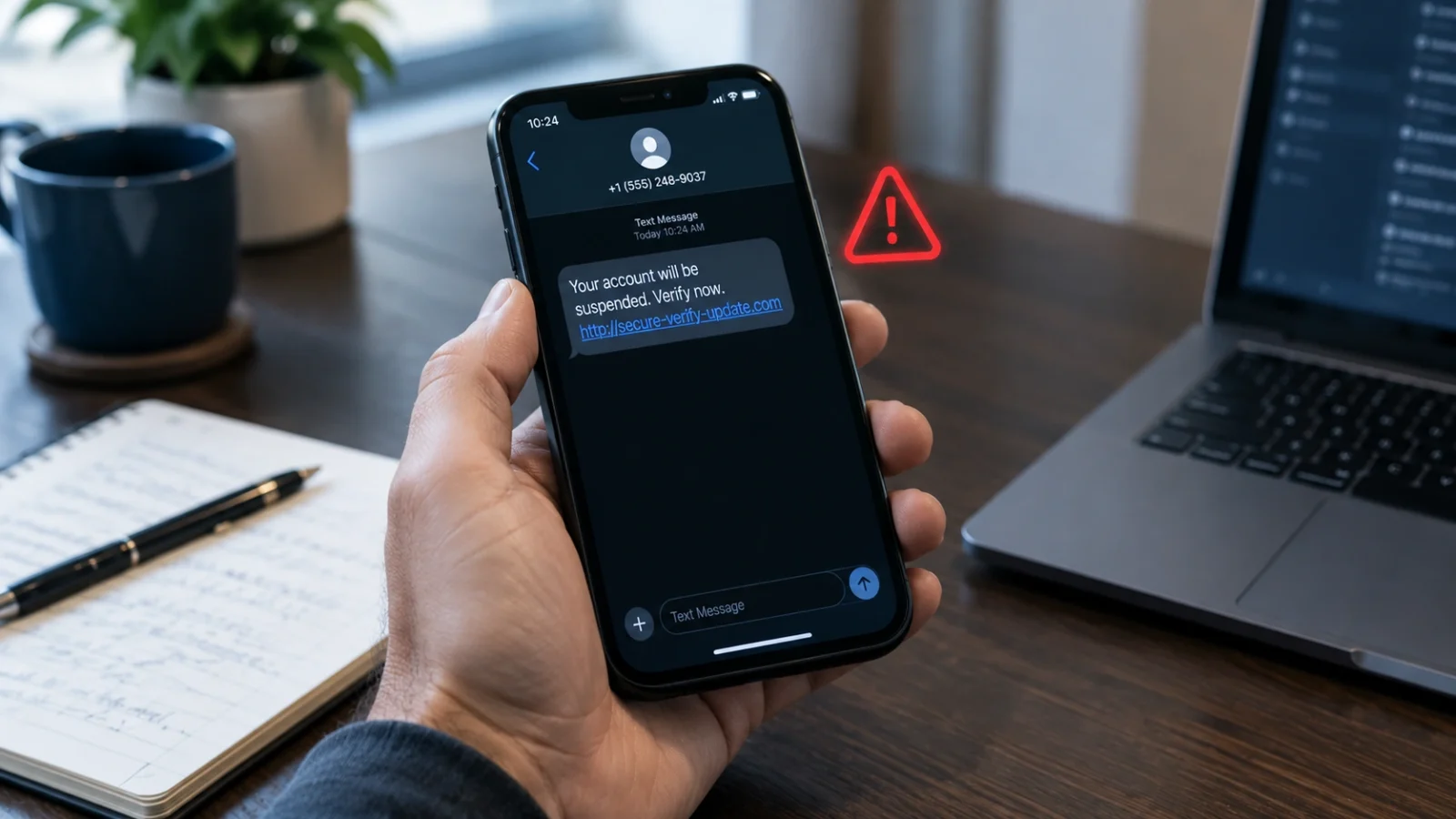
Picture this. A text says your bank account will be blocked in ten minutes. It looks real, and it has a link to “fix” the problem. What should you do?
First, stop. Take ten seconds to think. The message might be real. But it could also be a trick to steal your password, your money, or your personal details.
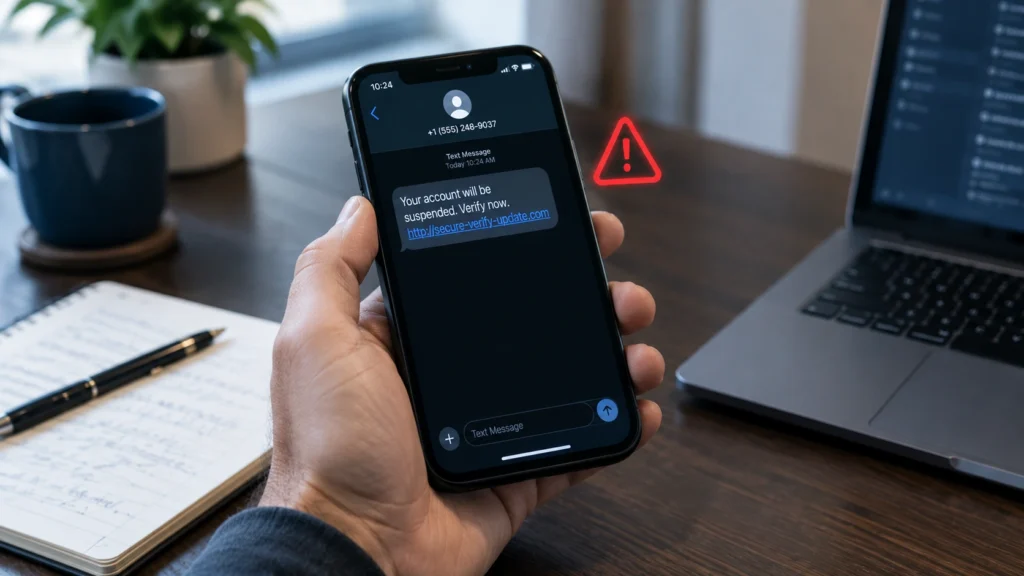
The good news is that you do not need to be a computer expert to spot a scam message. Most scam messages use the same few tricks. They rush you. They pretend to be someone important. They show up in a strange place. Or they ask you to do something risky.
In this guide, you will learn four warning signs, why a message that looks perfect can still be fake, and what to do if you already clicked a bad link.
Table of Contents
How to tell if a message is a scam in 10 seconds
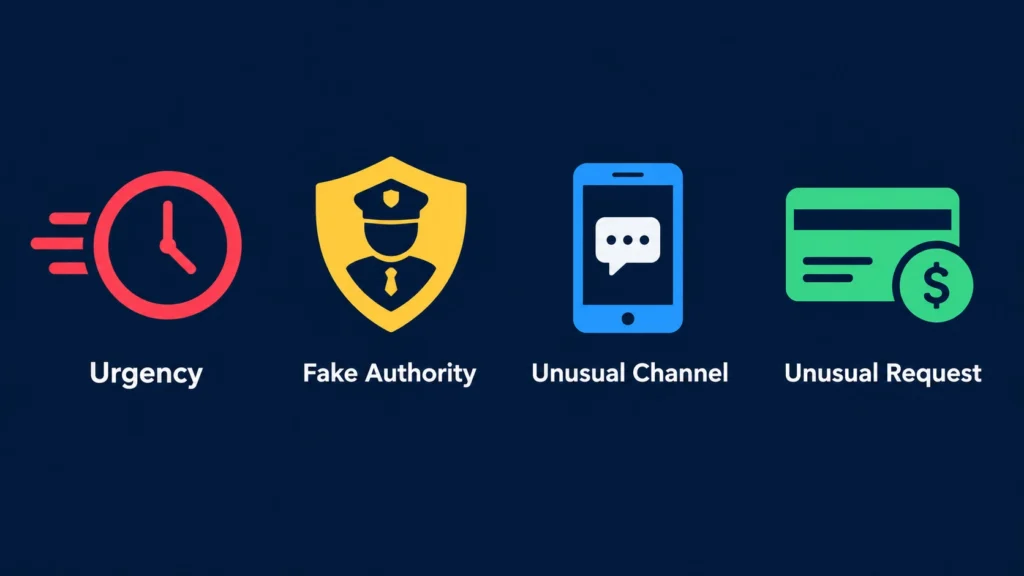
When you get a message you did not expect, ask yourself these four quick questions:
- Urgency: Is the sender telling me to act right now?
- Authority: Are they pretending to be my bank, the government, a delivery company, or someone I trust?
- Unusual channel: Did the message reach me in a way I would not expect, like a random text or chat?
- Unusual request: Do they want a password, a secret code, money, or private information?
If you answer “yes” to even one question, slow down. It does not always mean the message is fake. But it is a strong reason to check before you do anything.
The UK National Cyber Security Centre says scammers often use pressure and fake identities to make people act fast. You can read its guide on how to spot and report phishing scams.
4 warning signs that a message could be a scam
1. The message tries to rush you
Scammers want you to act before you think. They may say your account will be shut down, your parcel will be sent back, or you must pay a fee right now.
For example: “Your account will close in 10 minutes. Confirm your details now.”
This kind of message is made to scare you. Do not tap the link. Instead, open the company’s real app, or type its website address yourself. Then check if there is really a problem.
2. The sender pretends to be someone important
A scam message may say it comes from your bank, the government, the police, your boss, or a big company. A real-looking logo or fancy words do not prove anything. Anyone can copy a logo.
Some scammers pretend to be a family member who needs money fast. Others say you will get a fine or be in trouble with the law unless you pay. Some scammers now call instead of texting and use AI to copy a loved one’s voice. Learn how to spot an AI voice cloning scam.
Be extra careful if a surprise message asks you to send money, share private details, install an app, or give a login code. Check the request by using a phone number or website you already know is real.
Europol, the European Union’s police agency, warns about criminals who pretend to be official offices. Its guide on scams that use fake official letters and emails shows how these tricks work.
3. The message comes from an unusual place
Imagine your bank always sends notes through its own app. Then one day, you get a WhatsApp message asking you to “verify” your account on a strange website. That should make you stop and think.
A strange channel does not prove the message is fake. But you should not trust it just because it uses your bank’s name.
Scam messages can come by text, email, WhatsApp, social media, or even from a friend’s account. The friend’s account may have been hacked, or someone may be pretending to be them.
So do not trust a message just because it shows up in a chat you know. Contact the person or company in a different way before you act.
4. The sender asks you to do something risky
Look closely at what the message wants you to do. A scammer may ask you to:
- click a link,
- open a file,
- type in your password,
- share a one-time code (the short code sent to your phone),
- pay a surprise fee, or
- send money in an unusual way.
Be very careful if someone asks you to pay with gift cards or cryptocurrency, or to move money to a “safe account.” Real banks and companies almost never ask for this. Crypto payments are also very hard to get back. To learn why, read our guide on whether Bitcoin can be traced.
Some links and files can also put harmful software on your device. One type, called ransomware, locks your files until you pay. Find out whether backups are enough against ransomware.
The US Federal Trade Commission (FTC) shares more examples in its list of common signs of a scam.
5 common scam message examples (and what to do)
Scammers change their stories all the time. But most scam messages fit into a few common groups. Here are five you may see, and what to do about each one.
1. The fake delivery text
“Your parcel could not be delivered. Pay a small fee to book a new delivery.” These texts often arrive when you are waiting for a package, so they feel real.
What to do: Do not tap the link. Open the delivery company’s real app, or use the tracking number from the shop where you bought the item.
2. The “your bank account is locked” message
“We found strange activity on your account. Log in now to unlock it.” The link goes to a fake page that looks like your bank. Anything you type there goes straight to the scammer.
What to do: Close the message. Open your bank app, or call the number on the back of your bank card.
3. The “you won a prize” message
“Congratulations! You won a free phone. Just pay for shipping.” If you did not enter a contest, you did not win one. The small “shipping fee” is how they steal your card details.
What to do: Ignore it. A real prize never asks you to pay first.
4. The “Hi Mum, I lost my phone” message
“Hi Mum, this is my new number. I broke my phone. Can you send money for a bill? I’ll pay you back.” The scammer pretends to be your child, a friend, or a relative.
What to do: Call your family member on their old number that you already know. You can also ask a question only the real person could answer.
5. The easy job or quick money offer
“Earn $300 a day from home. No experience needed. Message us on WhatsApp.” These offers often end with you paying a “starter fee” or being asked to move money for a stranger.
What to do: Remember this simple rule: if it sounds too good to be true, it probably is. Real jobs do not ask you to pay to start.
Did you notice something? Every example uses at least one of the four warning signs: a rush, a fake important person, a strange place, or a risky request.
Why checking the sender’s address is not enough
Looking at the email address or phone number is a good start. But it should not be your only test.
Scammers can use addresses that look almost the same as real ones. They can also use fake names, fake profiles, or hacked accounts. A scam message may even show the real company logo and your real name.
That is why a message with perfect spelling and a neat design can still be a scam. Today’s scams do not need spelling mistakes to fool people.
So instead of asking, “Does this look real?”, ask a better question: “Can I check this myself, in a safe way?”
Want to learn more words like phishing and social engineering? Visit our easy dark web glossary.
The one habit that stops most scams: check it yourself
Here is the safest habit of all: never use the links or phone numbers inside a strange message to check that same message.
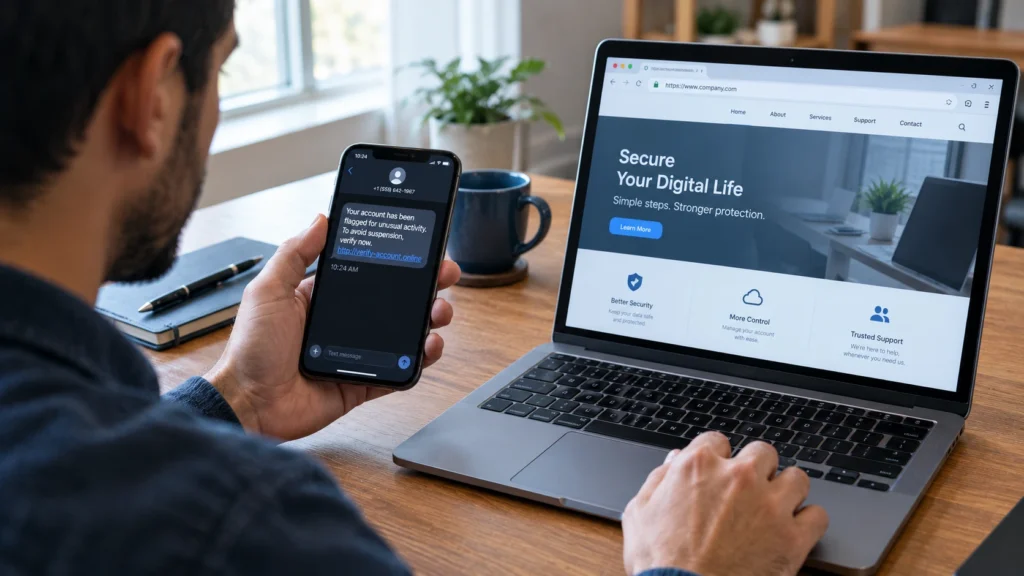
- Do not click the link, reply, or call the number in the message.
- Open the official app you already use, or type the company’s real website address into your browser.
- Check your account, orders, or payments there.
- If you still need help, call the company using a number from its official website or the back of your bank card.
- If the message seems to come from a friend or co-worker, call them or message them in a separate chat to make sure it is really them.
If the company says there is no problem, ignore the message. Report the scam message, then delete it.
The FTC gives the same advice in its guide on how to recognize and avoid phishing scams.
What to do if you already clicked a scam link
Did you already click a bad link? Do not panic. It happens to many people. What you should do next depends on what happened.
If you only opened the link
Close the page. Do not type or download anything. Update your browser and your phone or computer. If a file was downloaded, scan your device with a trusted security app.
If you typed your password or a code
Go to the real website or app and change that password right away. If you use the same password on other accounts, change those too. Log out of any devices you do not know. Then turn on two-step login, also called two-factor authentication.
If you shared bank details or sent money
Call your bank or payment app right away, using its official number. Tell them what happened. Ask if they can stop or reverse the payment. If you shared ID details, contact the official identity theft or consumer help service in your country.
For a full step-by-step plan, read our guide: What happens if I click a phishing link? Do this now.
Last, report the message in the app, email service, or phone where you got it. In the US, the FTC explains how to recognize and report spam text messages.
How to help your family spot scams
Scammers often target children, teens, and older relatives. A short talk at home can protect the whole family. You do not need to scare anyone. Just share a few simple ideas.
- Make a family rule: Nobody sends money or codes because of a text or chat until they check with someone else first.
- Pick a family password: Choose a secret word that only your family knows. If someone calls or texts asking for urgent help, ask for the word.
- Practice together: Show real examples of fake messages and play “spot the trick.” It turns safety into a game.
- Make it safe to ask: Tell everyone they will never get in trouble for asking, “Is this real?” Scammers win when people feel too embarrassed to check.
Older relatives may get more fake calls and letters, while kids and teens often see scams in games and social media. The same four warning signs work for everyone, of any age. Talk about scams again every few months, because scammers keep changing their tricks and stories.
Your quick scam message checklist
Before you answer a message you did not expect, remember these six rules:
- Pause if a message rushes you.
- Be careful if the sender says they are someone important.
- Question surprise requests that come from a strange place.
- Never share passwords or one-time codes.
- Check requests using a website, app, or phone number you already trust.
- If you clicked or shared something, act fast to protect your accounts and money.
Frequently asked questions
How can I tell if a message is a scam in ten seconds?
Look for four signs: a rush to act, someone pretending to be important, a strange way of contacting you, and a risky request. If you see any of these, do not click or reply. Check the message yourself first.
Can a scam message have correct spelling and grammar?
Yes. Many scam messages have perfect spelling, real logos, and personal details. Do not judge a message by its spelling. Check the request in a safe way instead.
Is it safe to open a suspicious text message?
Just reading a text is usually not the problem. The danger comes from clicking links, opening files, replying, or sharing information. If the message is unexpected, check it another way.
What should I do if I replied to a scam message?
Stop talking to the sender. If you shared a password, a code, or bank details, secure that account and contact your bank. Report the message and watch your accounts for anything strange.
Can a message from someone I know be a scam?
Yes. Their account may have been hacked, or someone may be pretending to be them. If they ask for money, codes, or urgent help, call them or talk to them another way to check.
Trusted scam prevention resources
- FTC: How to recognize and avoid phishing scams
- FTC: How to recognize and report spam text messages
- UK NCSC: How to spot and report phishing scams
- Europol: Scams involving fake official letters and emails
Now you know how to tell if a message is a scam. When in doubt, stop and check. A real request can wait while you make sure. A rushed reply to a scam can cost you your money, your accounts, or your identity.

Comments